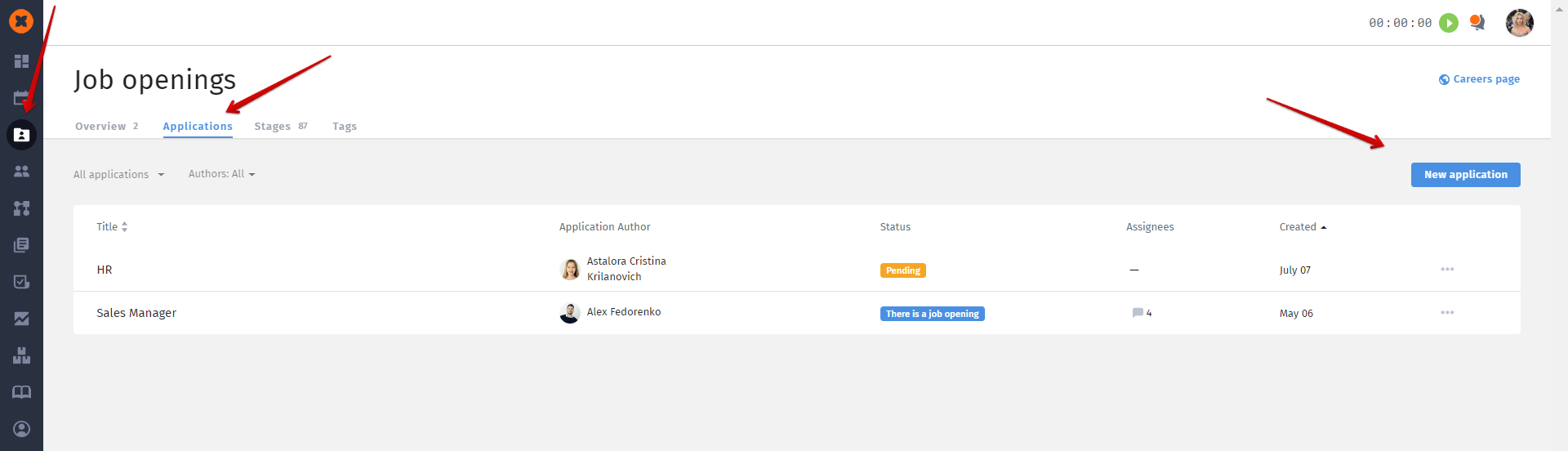
To automate the process of applying for a vacancy, you need to configure its form, i.e., create a template for further filling out by hiring managers (hiring requestors).
To create a template, you need to go to the "⚙" section and click on the "Job requisition template" tab.
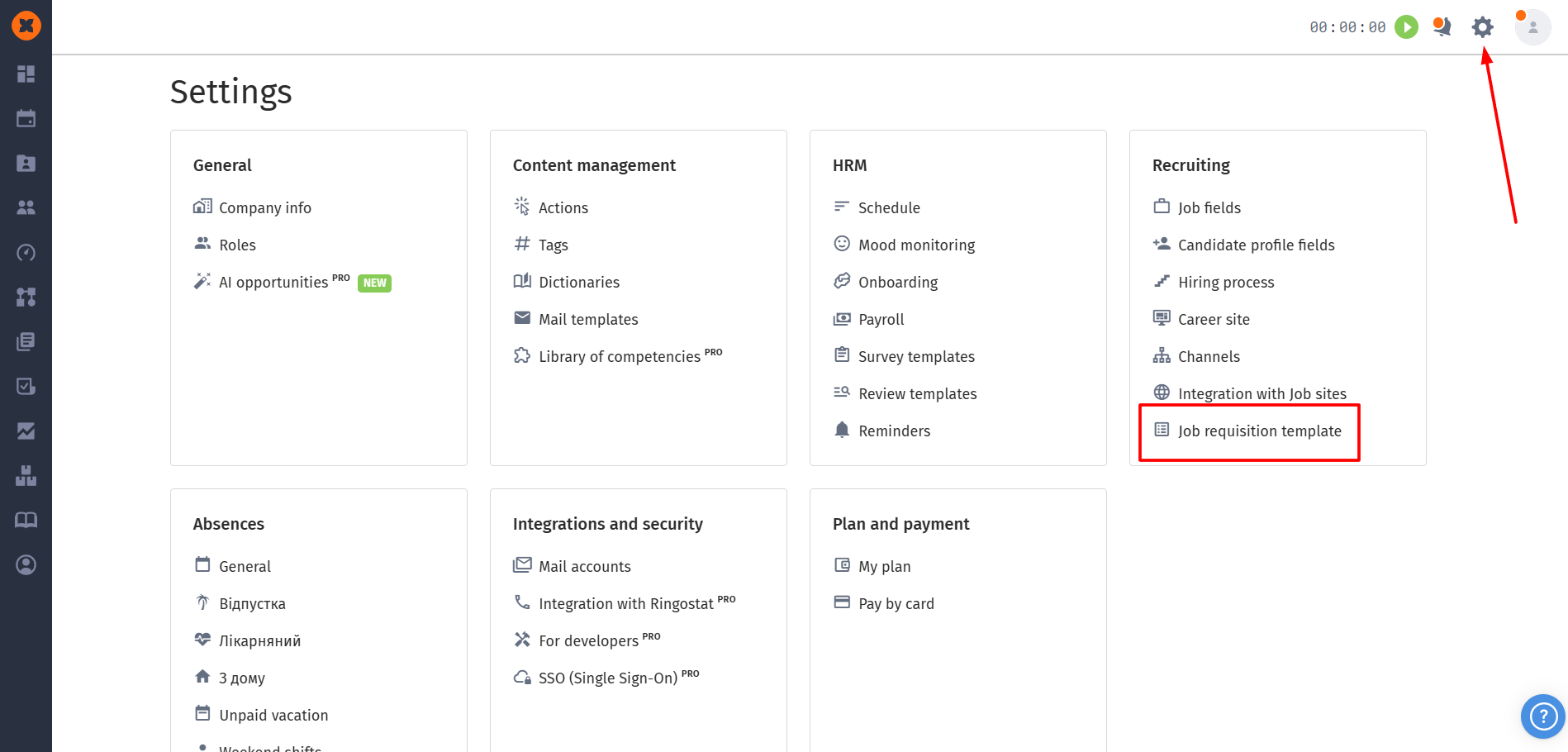
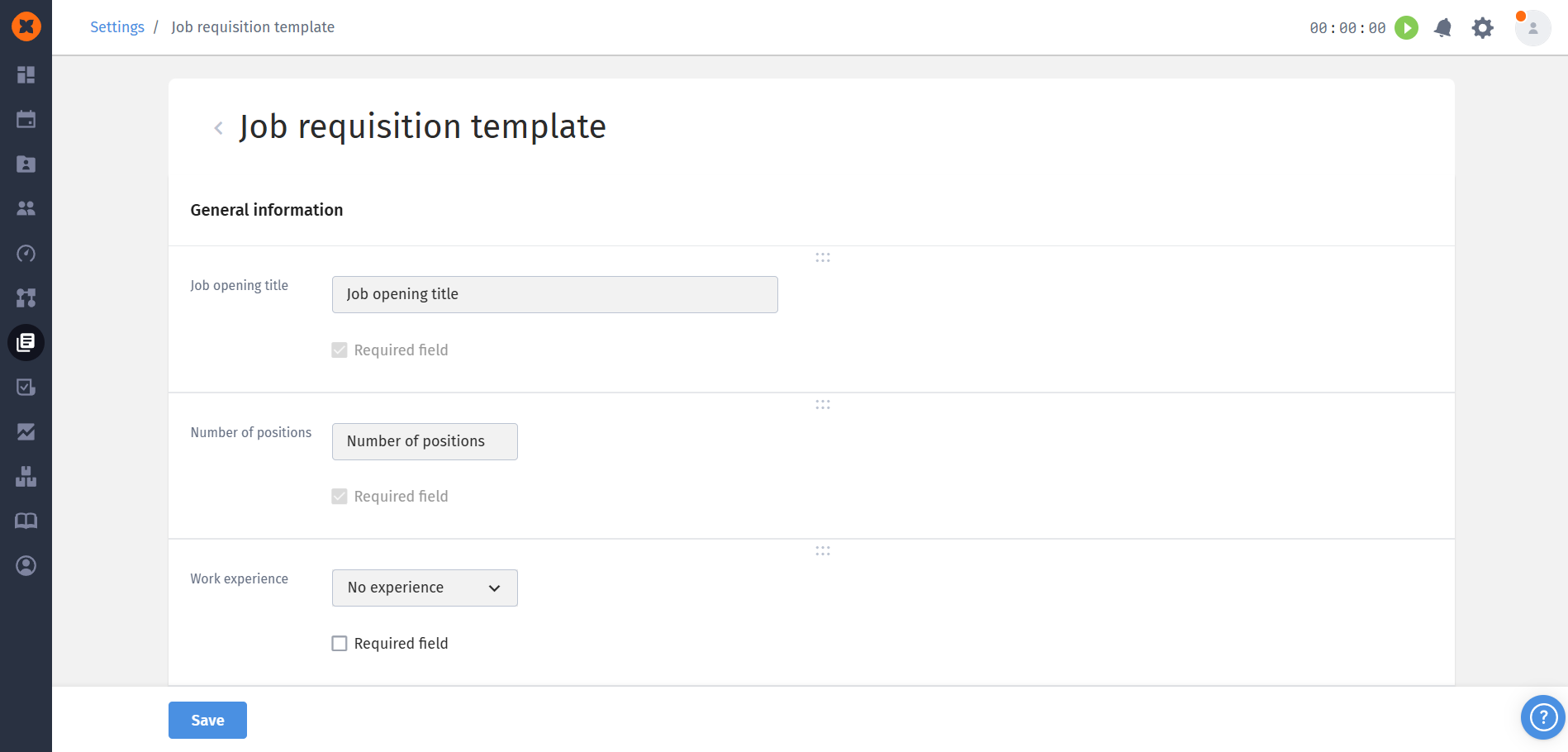
In this section, you can:
Add blocks and fields to the requisition.
Change the status of a field (whether it is mandatory or not).
Modify the display order of the fields.
The changes saved in the template will be applied to all new job requisitions.


In order for department managers to be able to submit a job requisition in their department, they first need to be added to the "Hiring Manager" group in the "⚙" - "Roles" section or in their profile under the "Company" block.
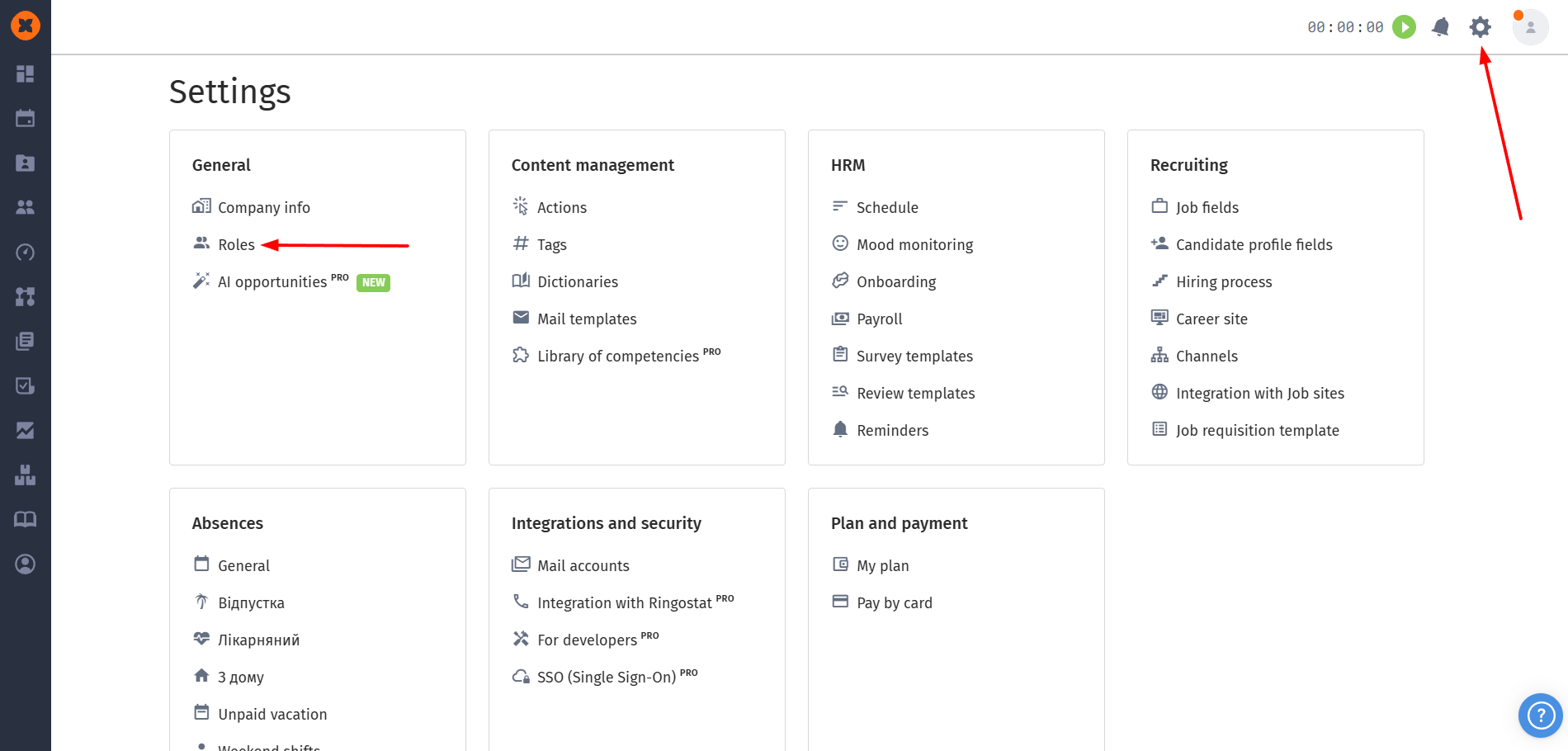
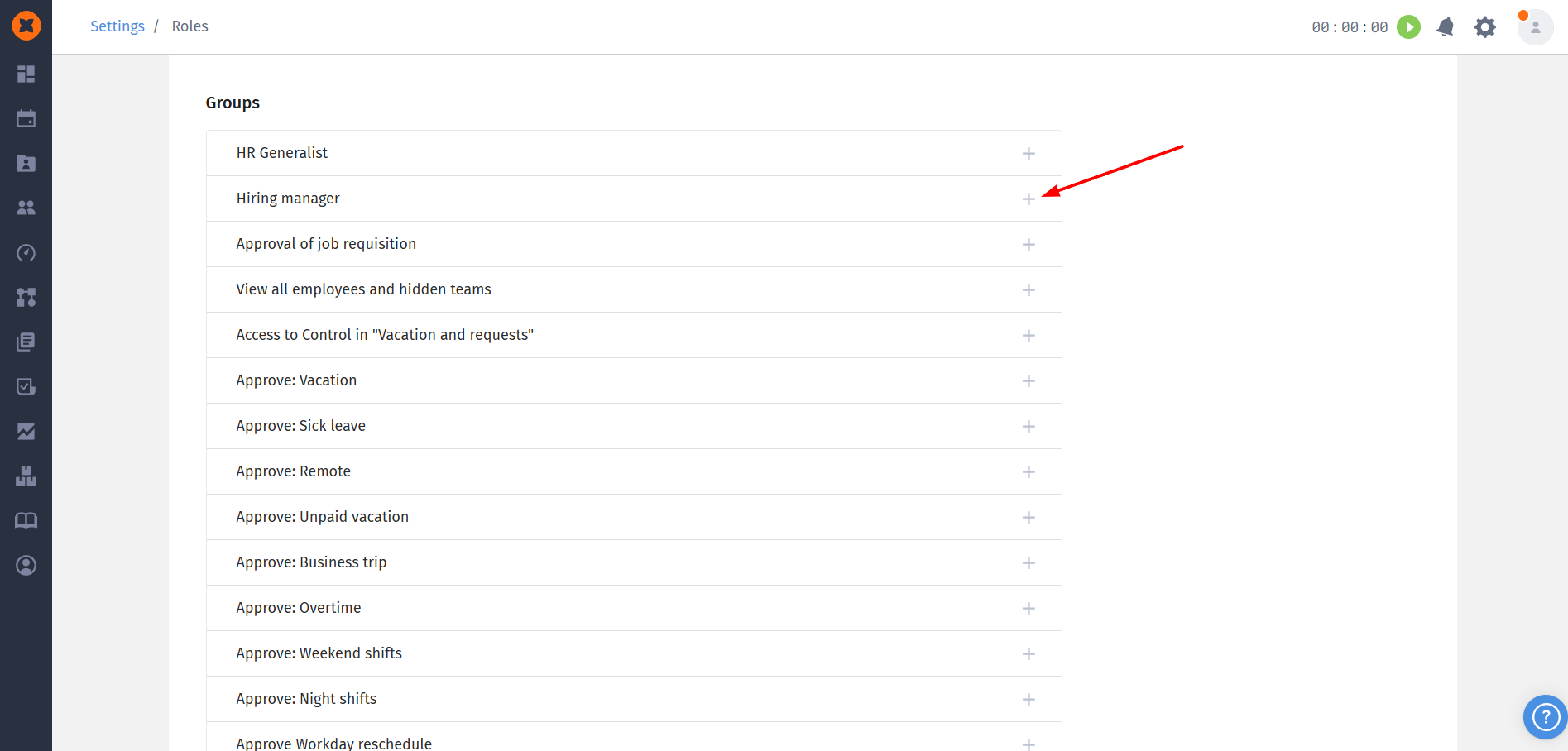
Users who are added to this group will have the ability to create a job requisition and view the list of their requisitions along with their status.