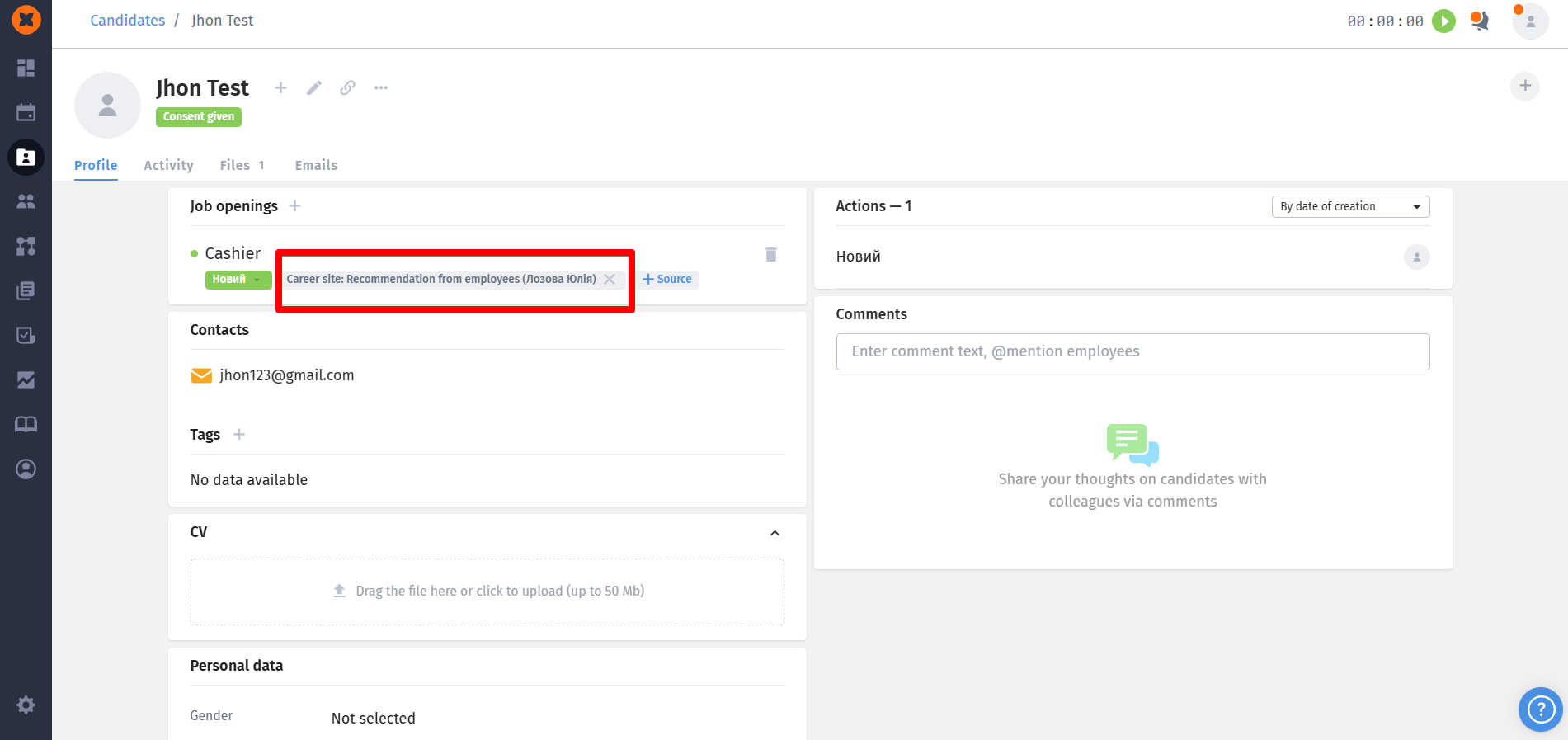
Social recruiting is a modern way to search for and attract candidates through employees’ personal contacts.
Activating social recruiting
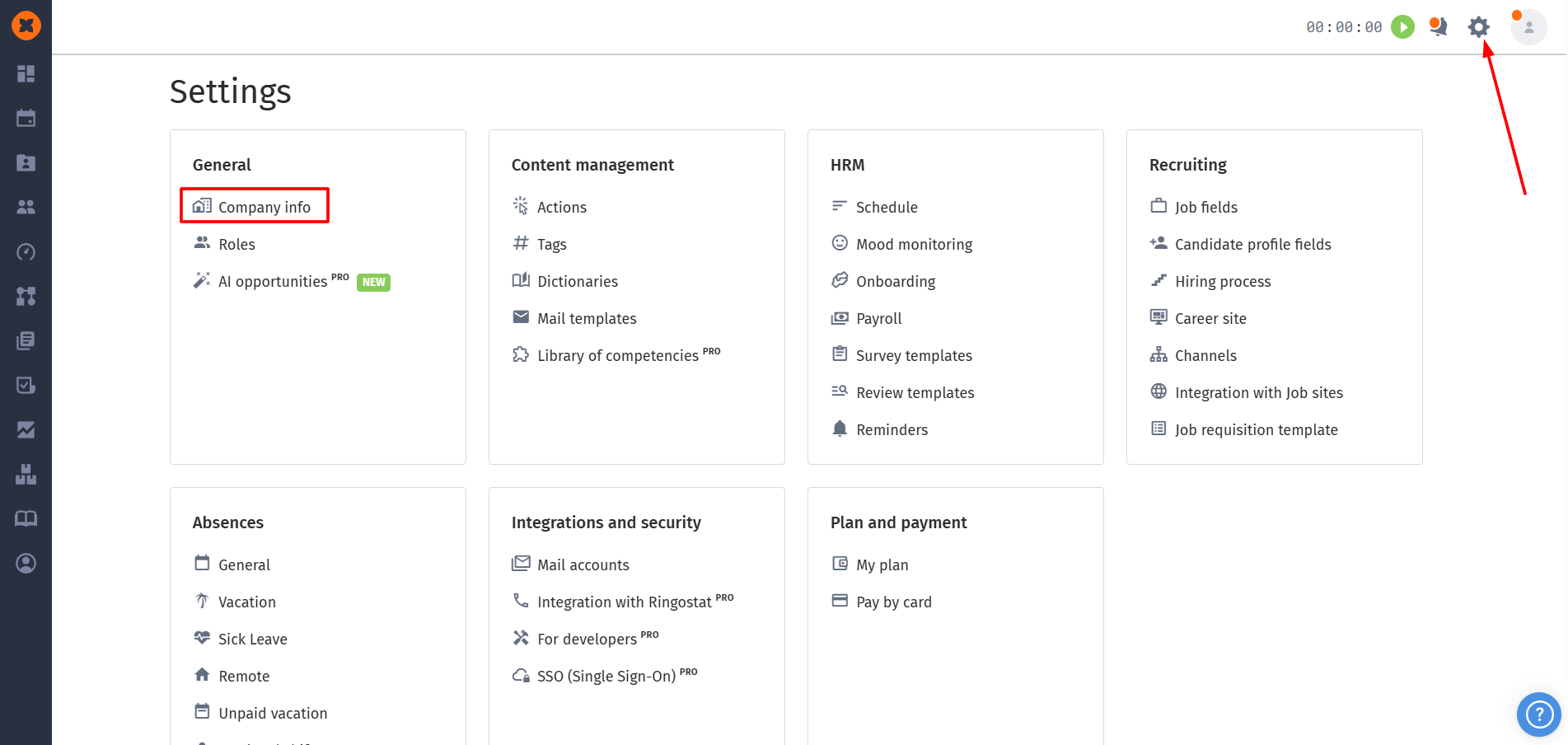
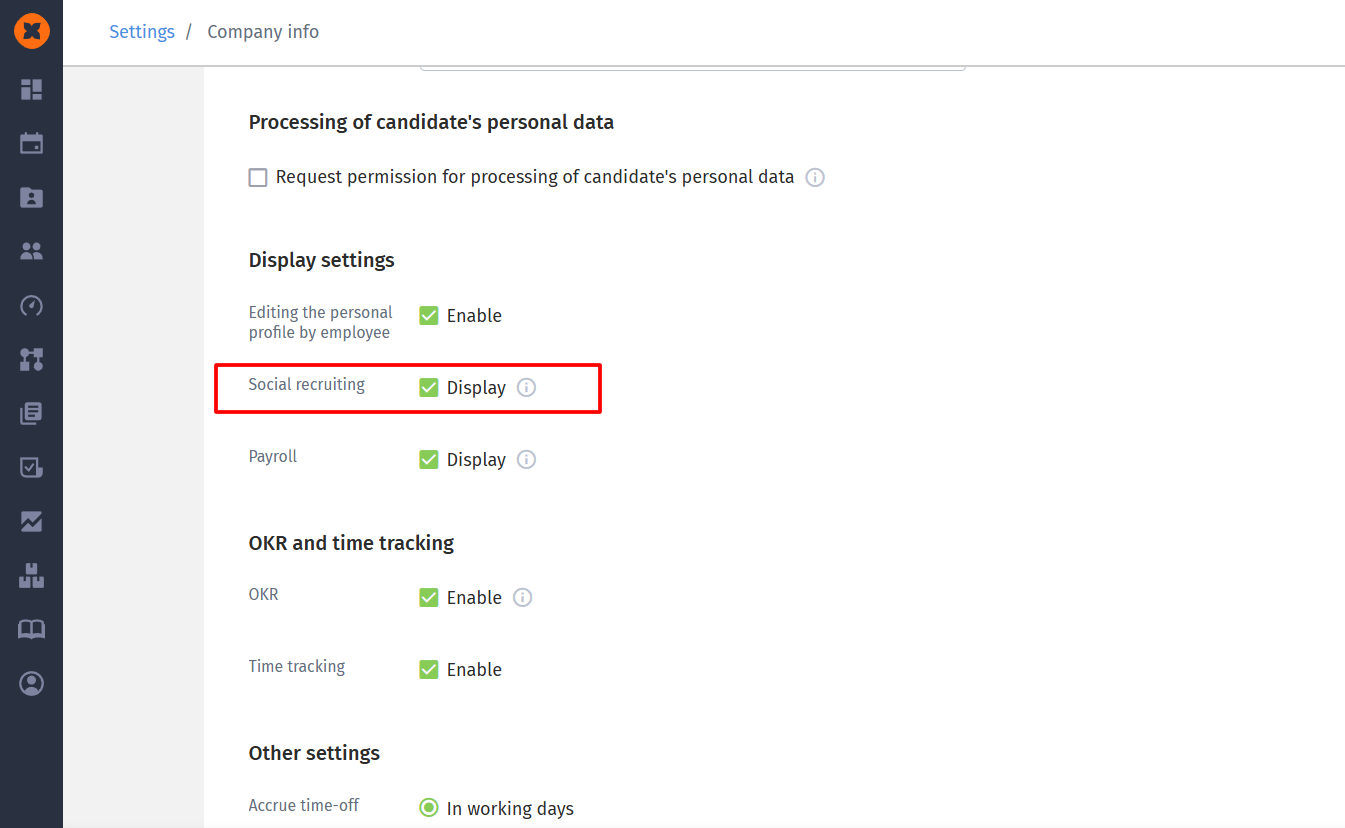
In HURMA you can turn on this option in the “⚙” - “Company info” section.
Vacancy display for employees
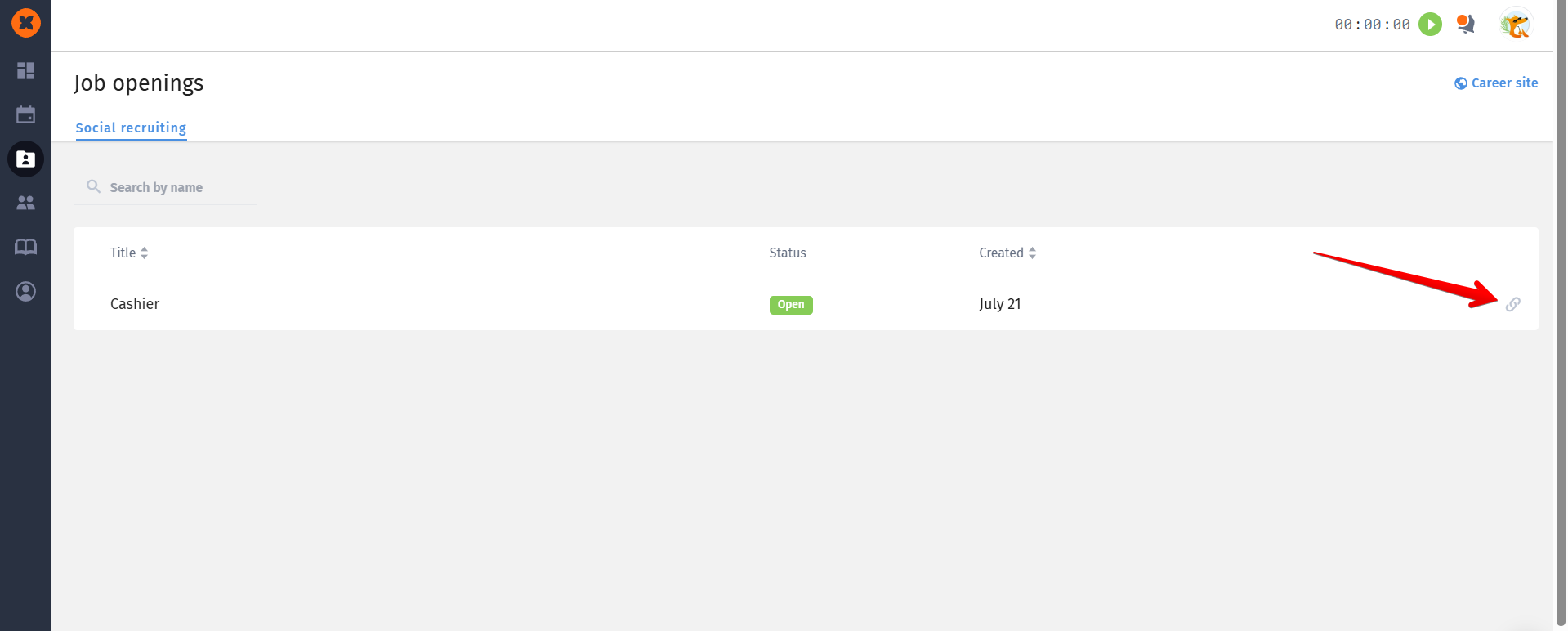
Employees can check out active company vacancies in the “Job openings” - “Social recruiting” section.
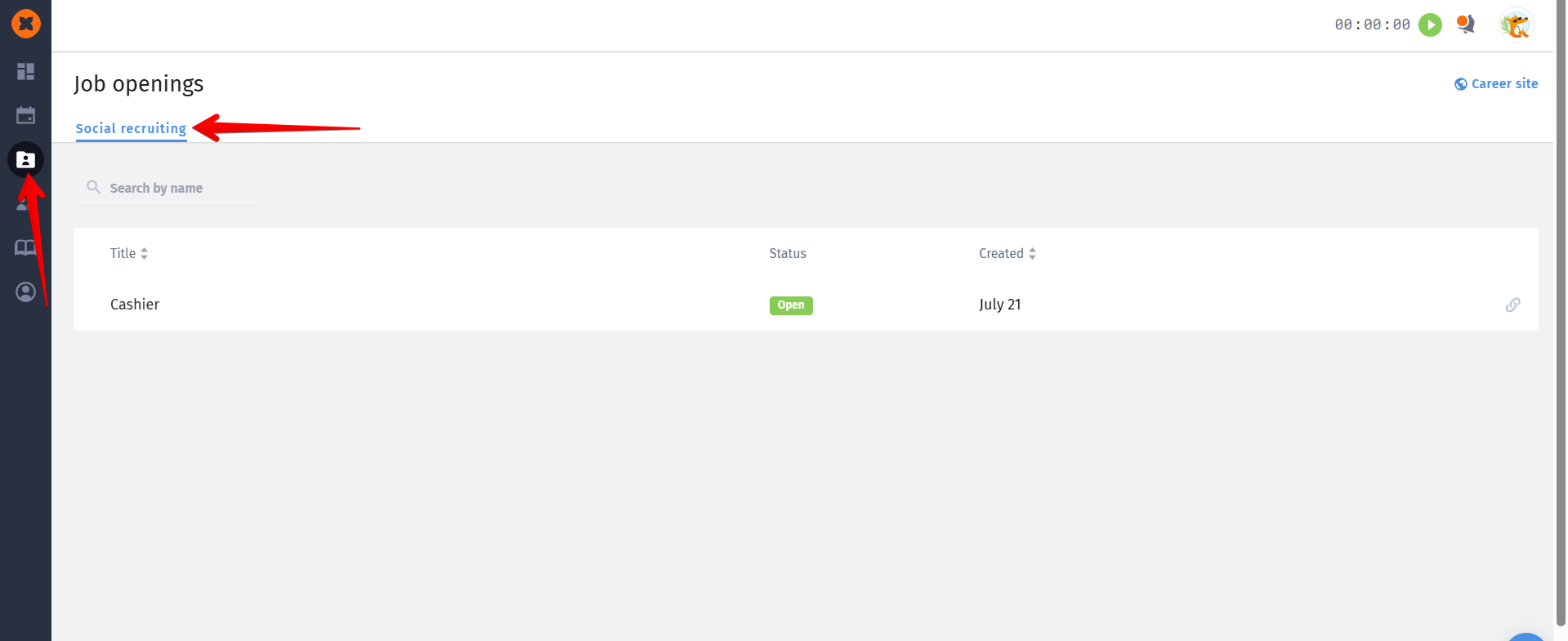

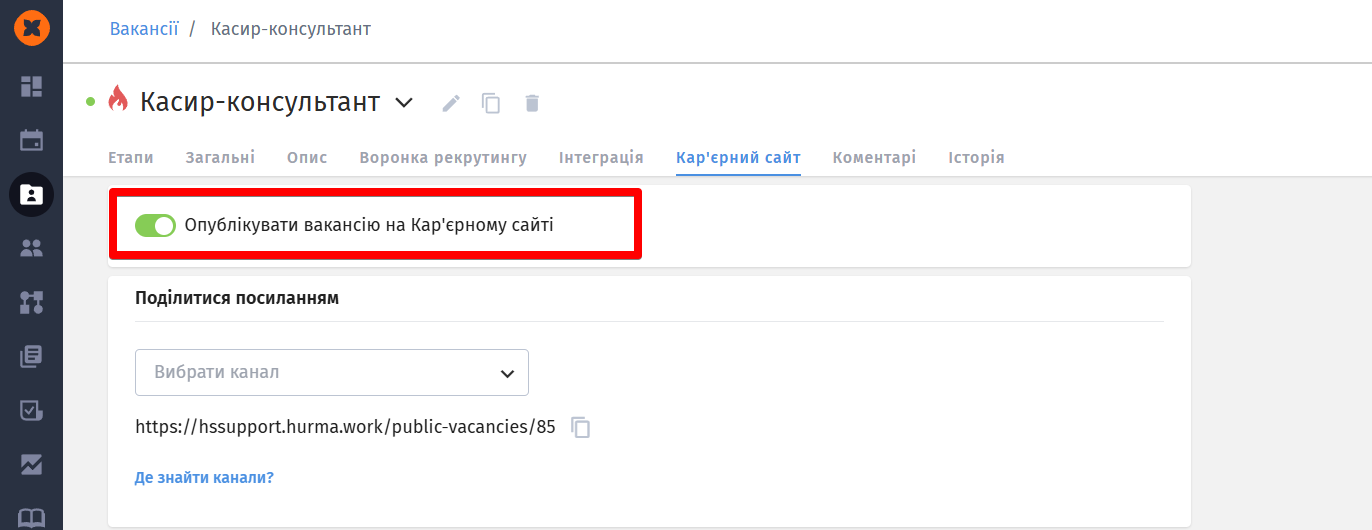
Only the jobs that are published on the career site show up in the “Social recruiting” section.
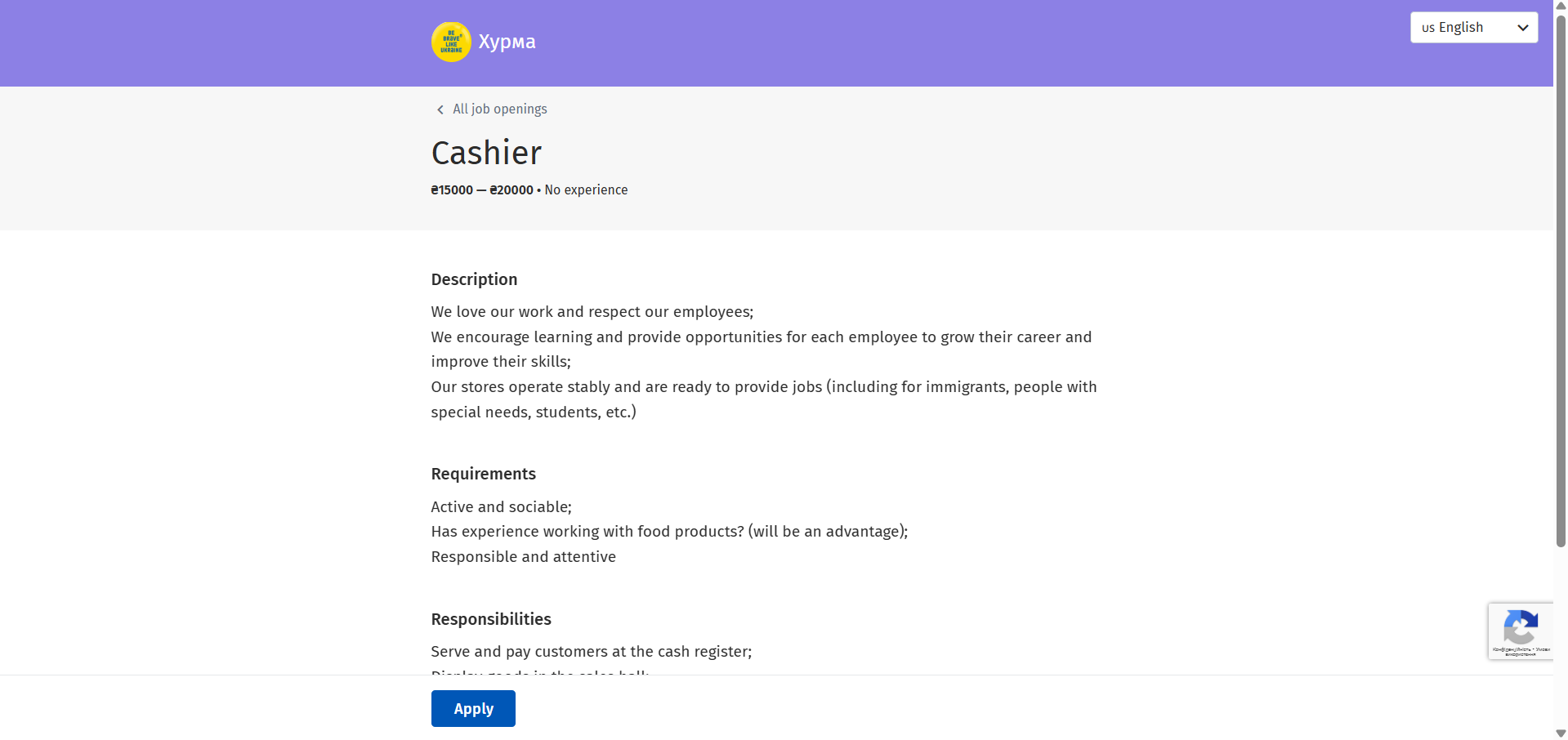
An employee can check out the job description by clicking its title and share the link with their friends or acquaintances.
Candidate display in the system after applying through a referral link
Once a candidate applies, a profile is created in the system and the recruiter responsible for this vacancy gets a notification about the new application.
The candidate’s profile will also show that they were added to the system by an employee referral.