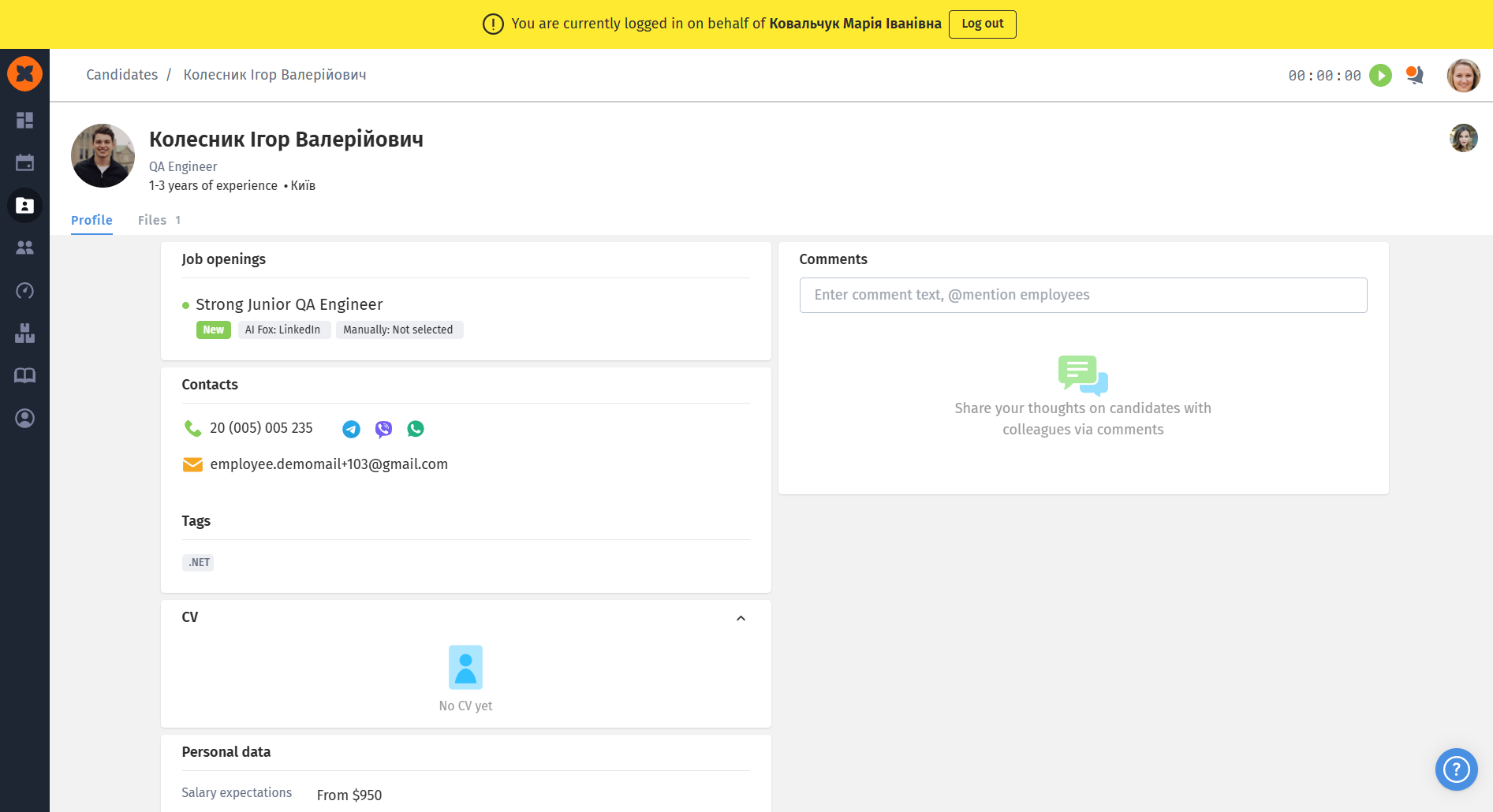
The system supports assigning responsible hiring managers to specific teams. This makes it possible to configure access flexibly, distribute responsibilities among process participants effectively, and optimize work within a large company structure.
To assign recruiters or hiring managers to teams and manage vacancies for specific teams, users must have the appropriate access permissions in their role. Access settings are configured in the “Company” - “Teams” –-“Recruiting” section, under viewing and editing.
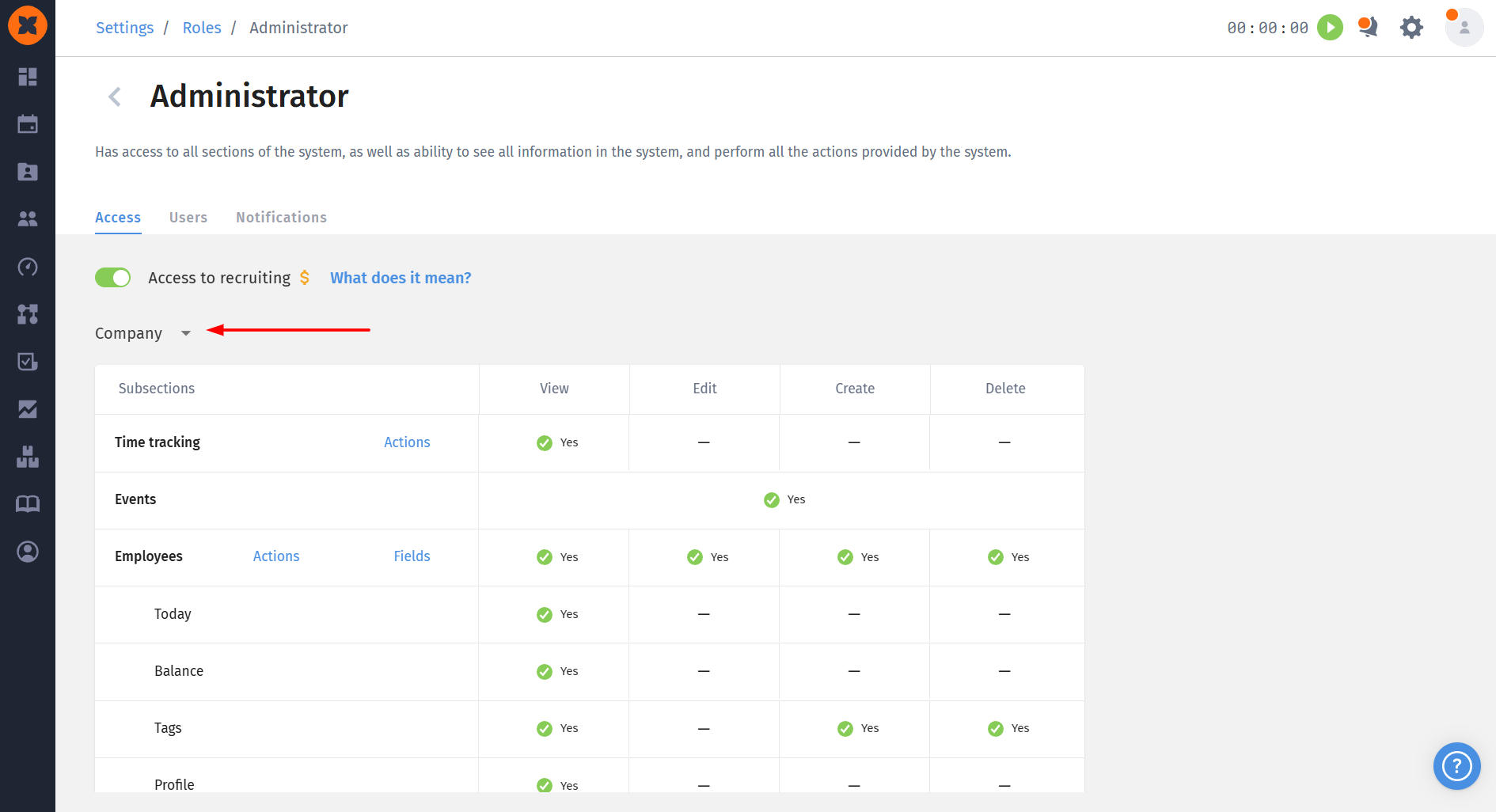
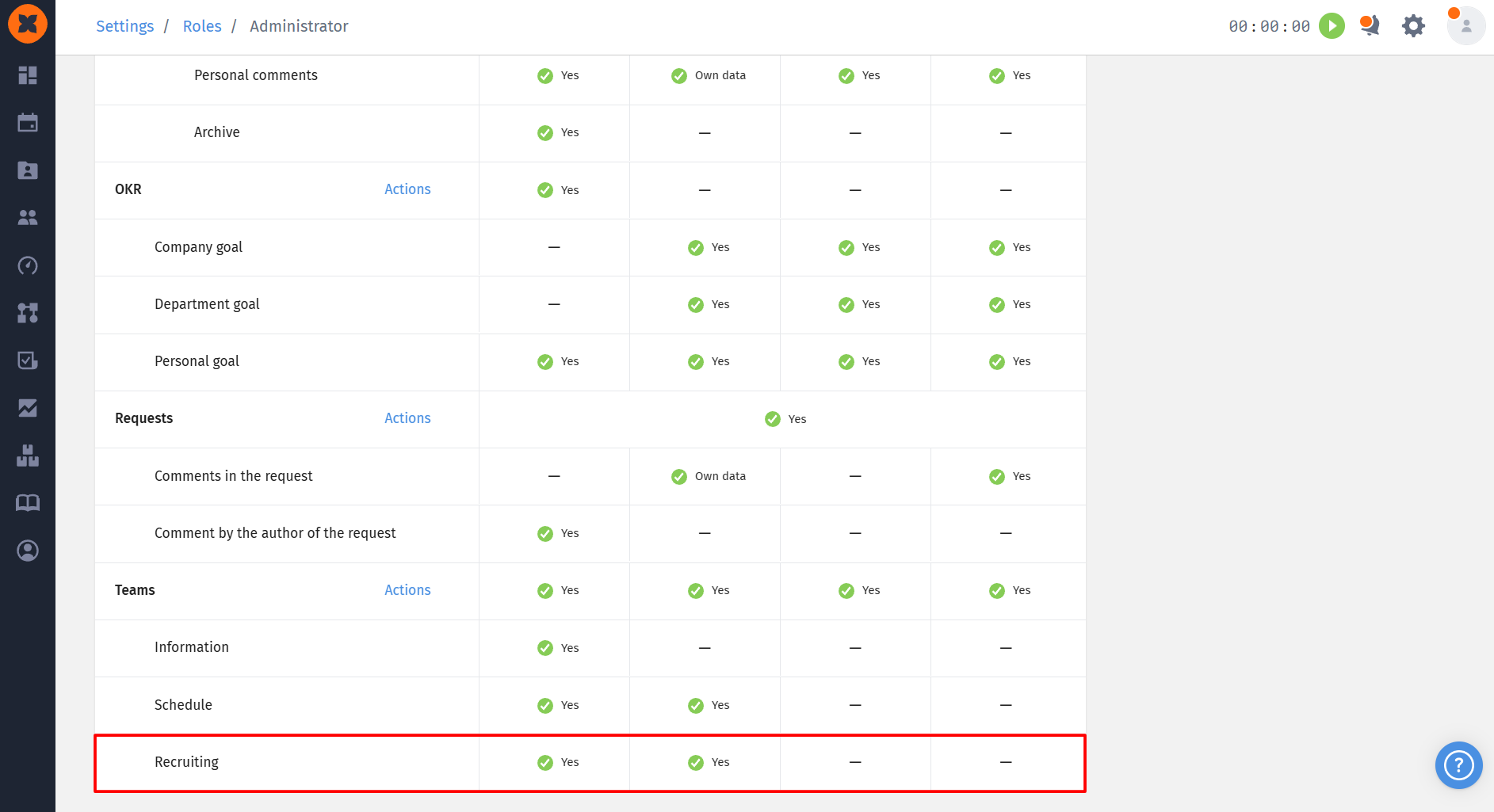

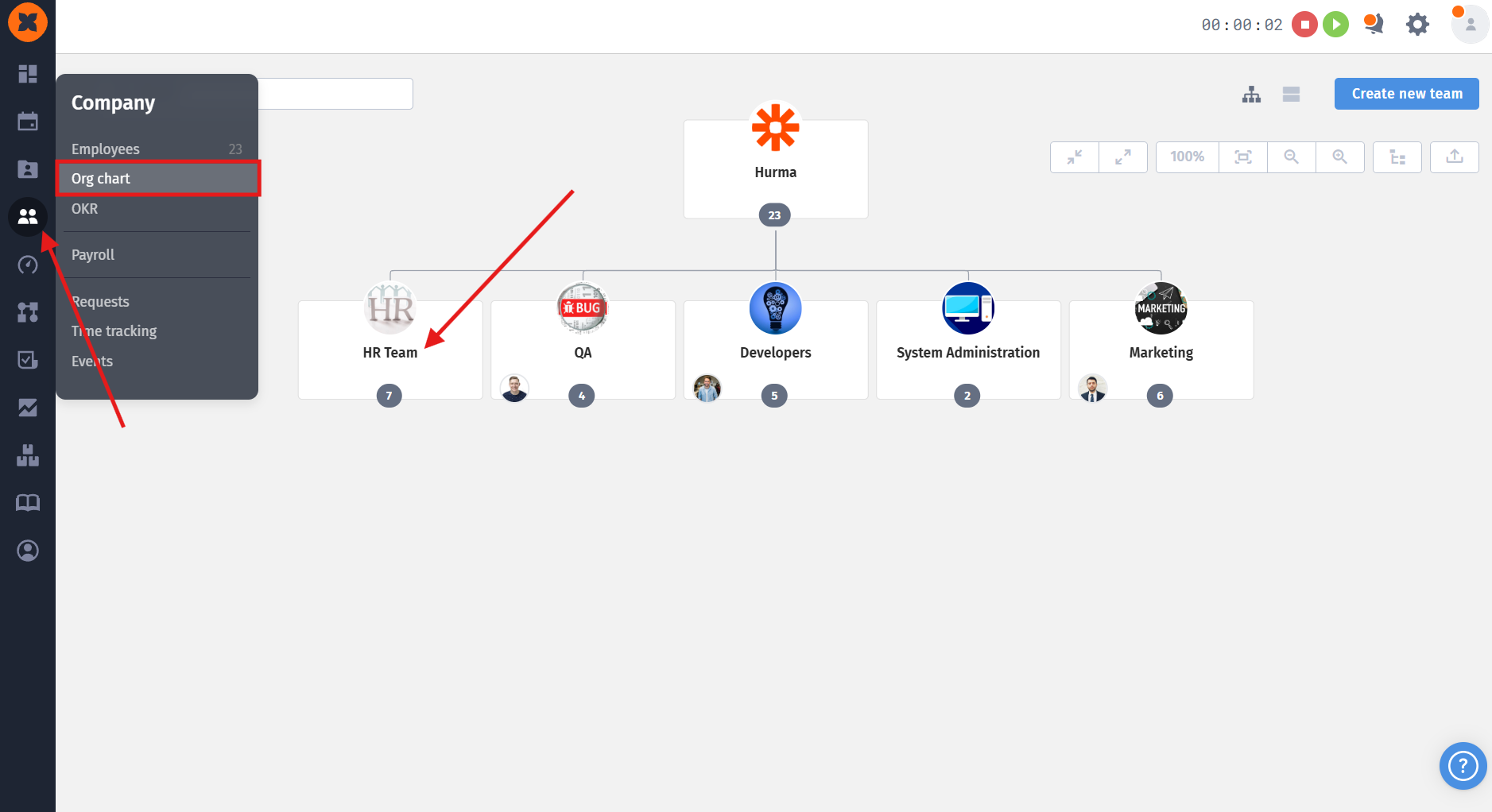
To assign a hiring manager to a team, you need to:
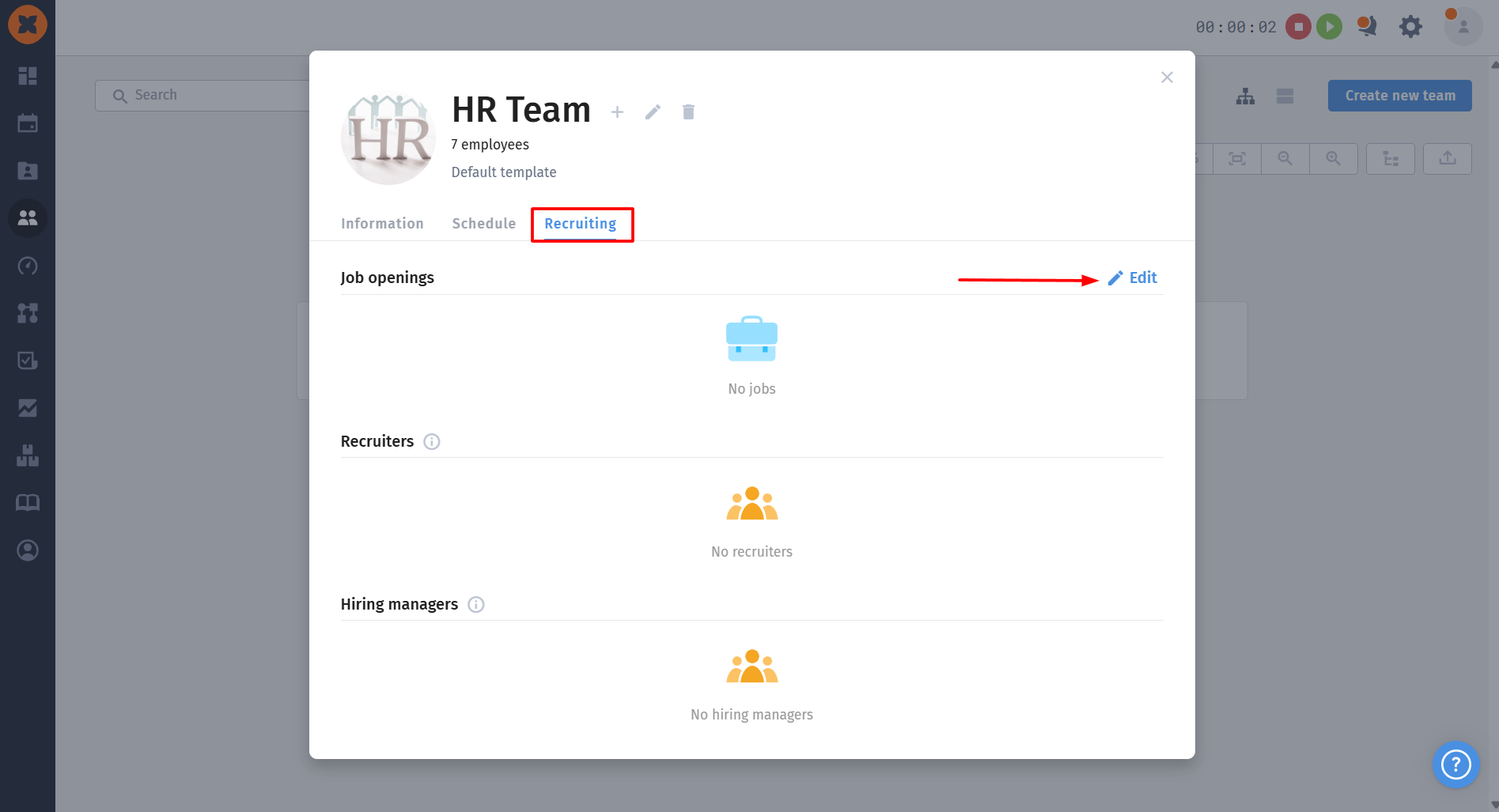
Go to the “Org chart” section and open the required team.
In the “Recruiting” tab, switch to edit mode.
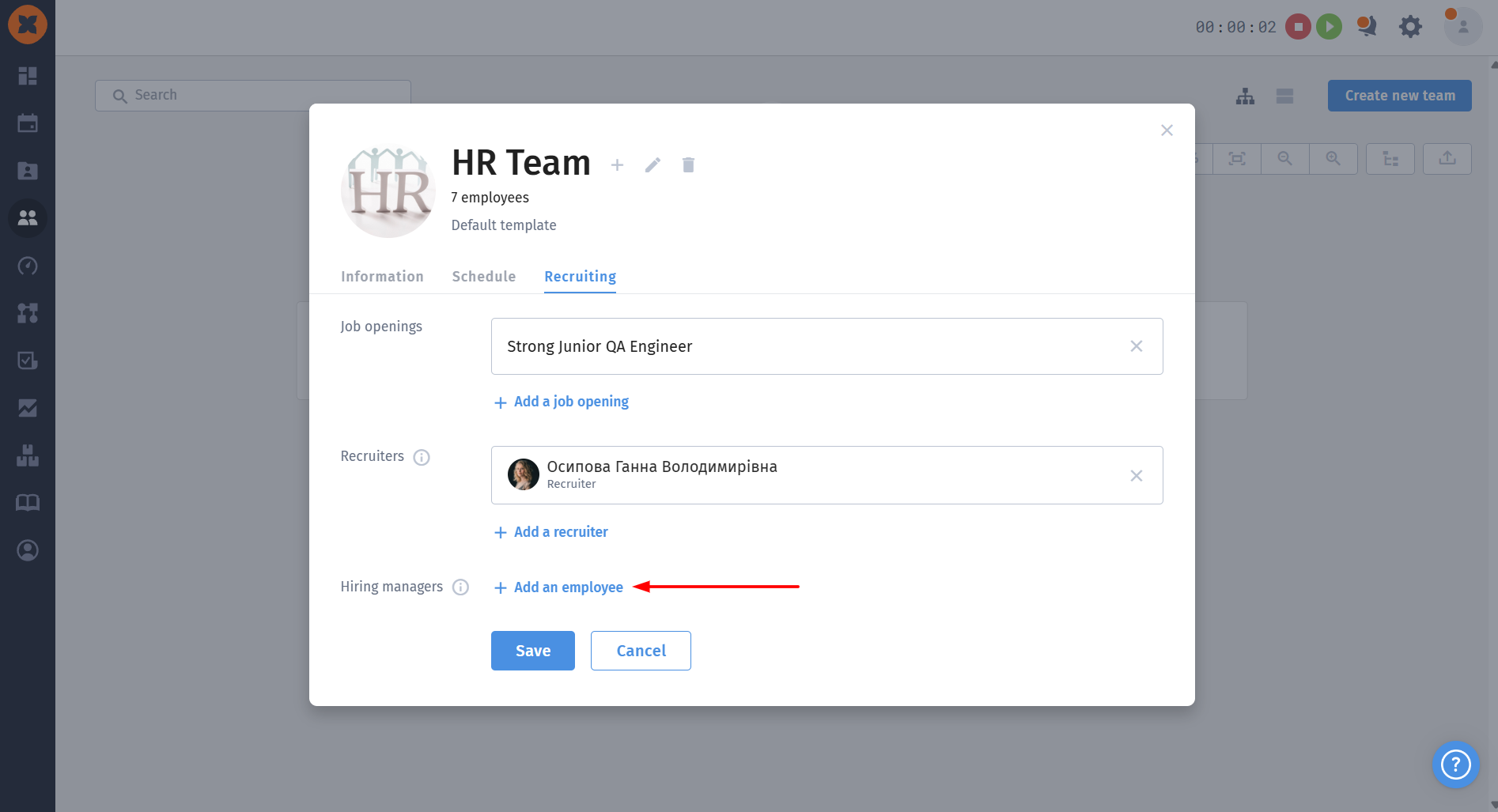
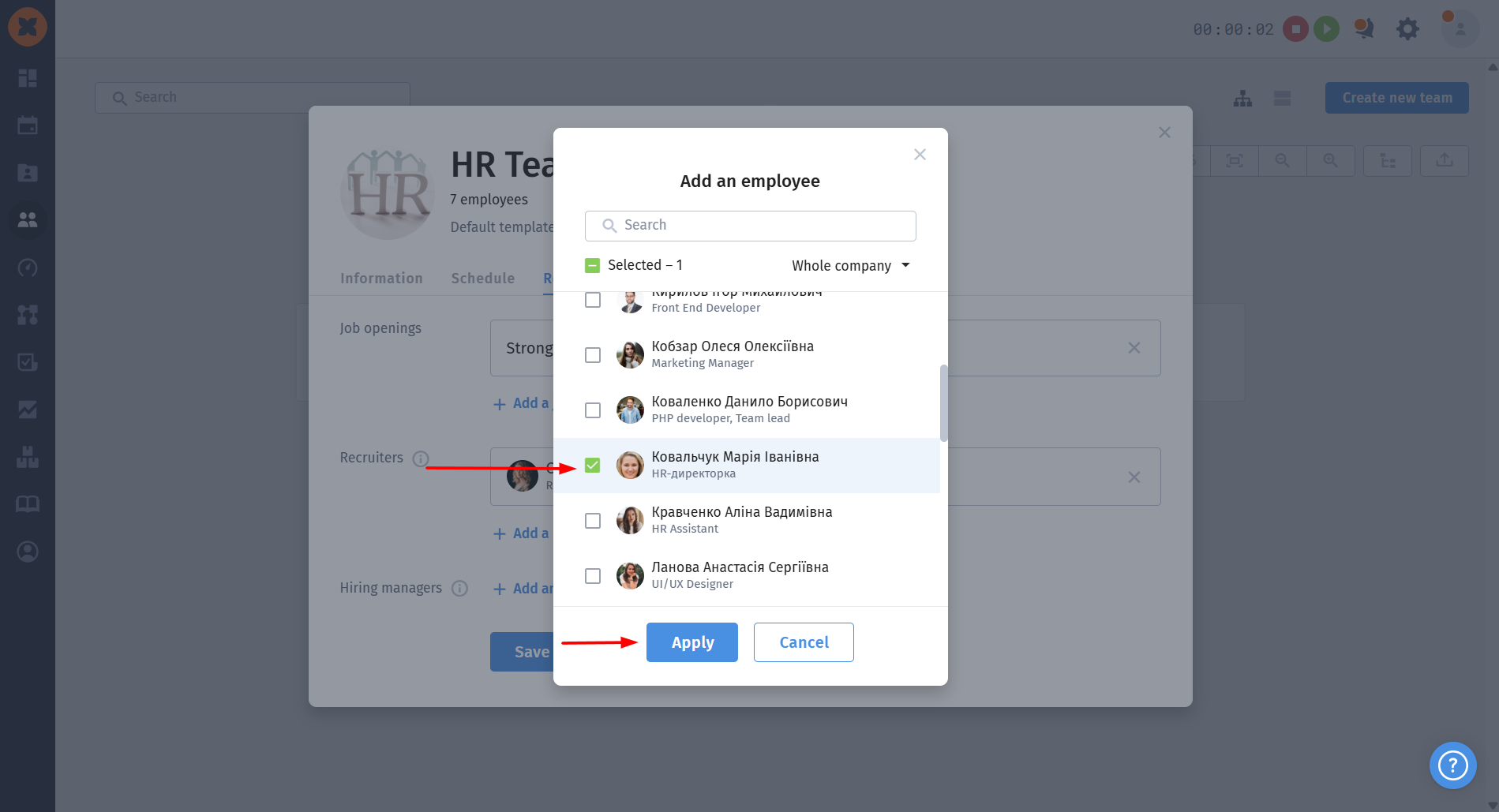
Select and add the required hiring managers.
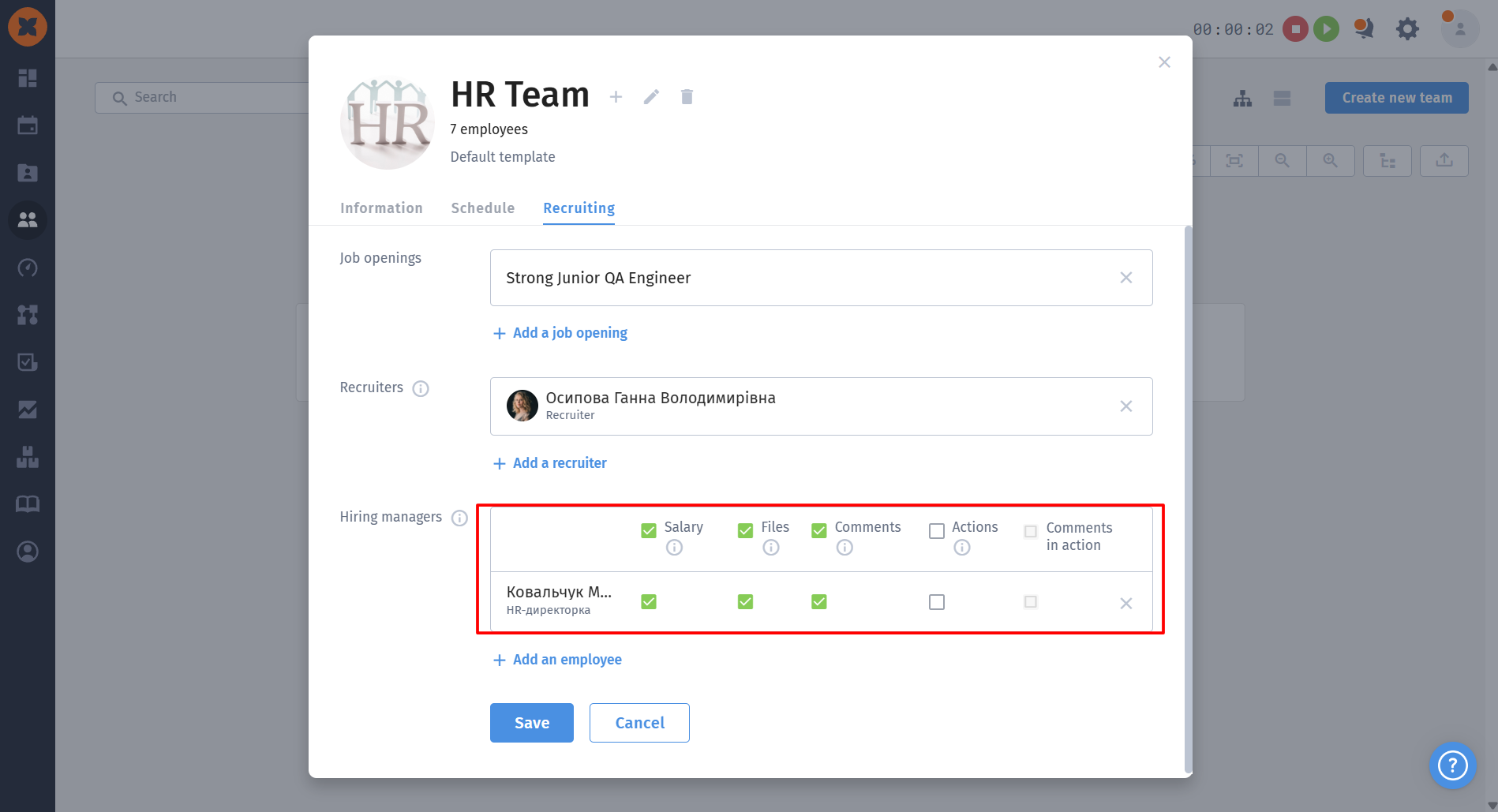
You can also configure the visibility of financial information (the “Salary” field in candidate profiles), files in the candidate profile (the “Files” tab), comments (general comments from the “Comments” section), and the history of actions involving the candidate and comments on those actions for employees who are granted access.
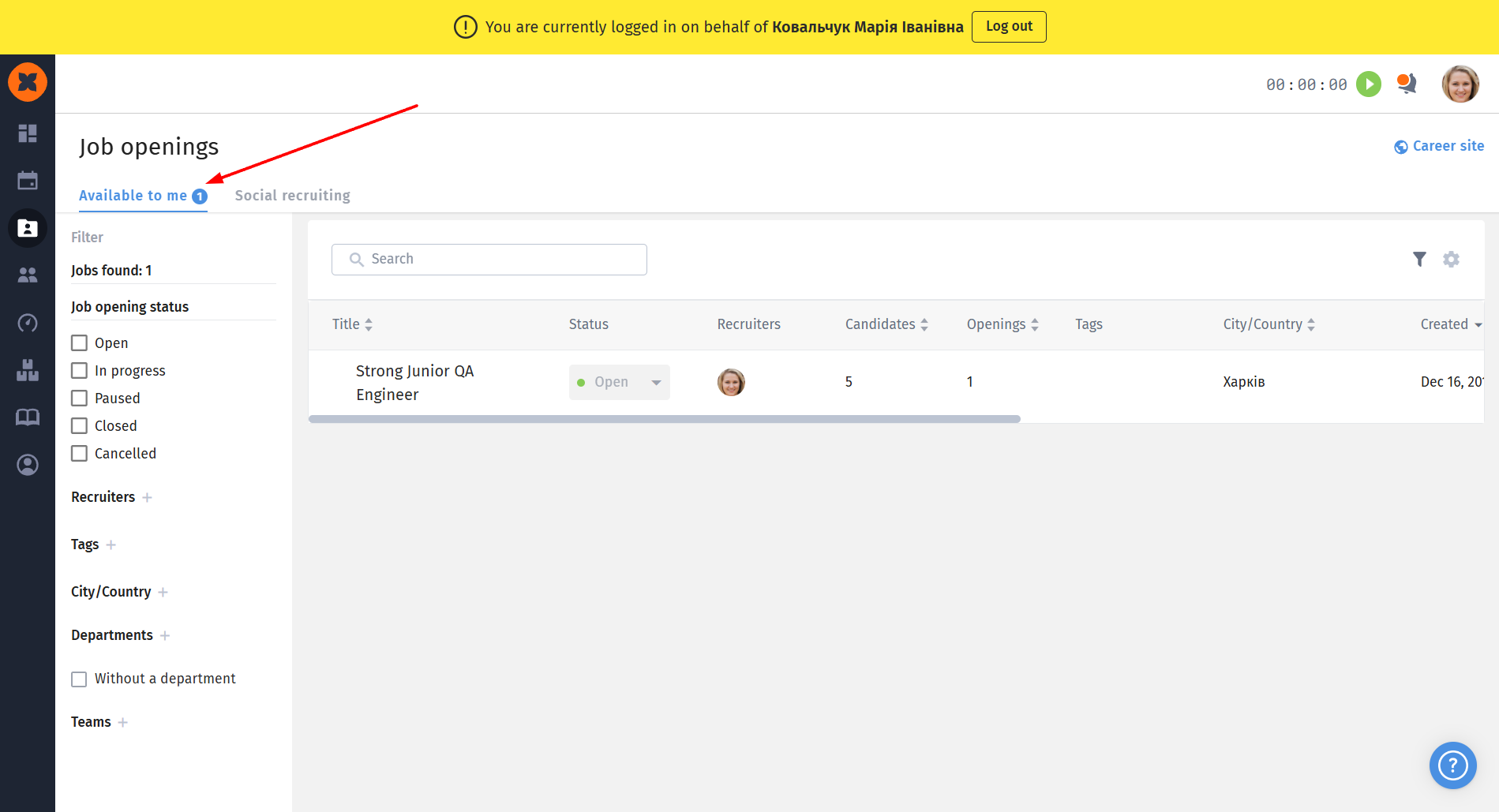
After a vacancy has been shared with a manager, they can access it under “Recruiting” - “Job openings,” in the “Available to me” tab.
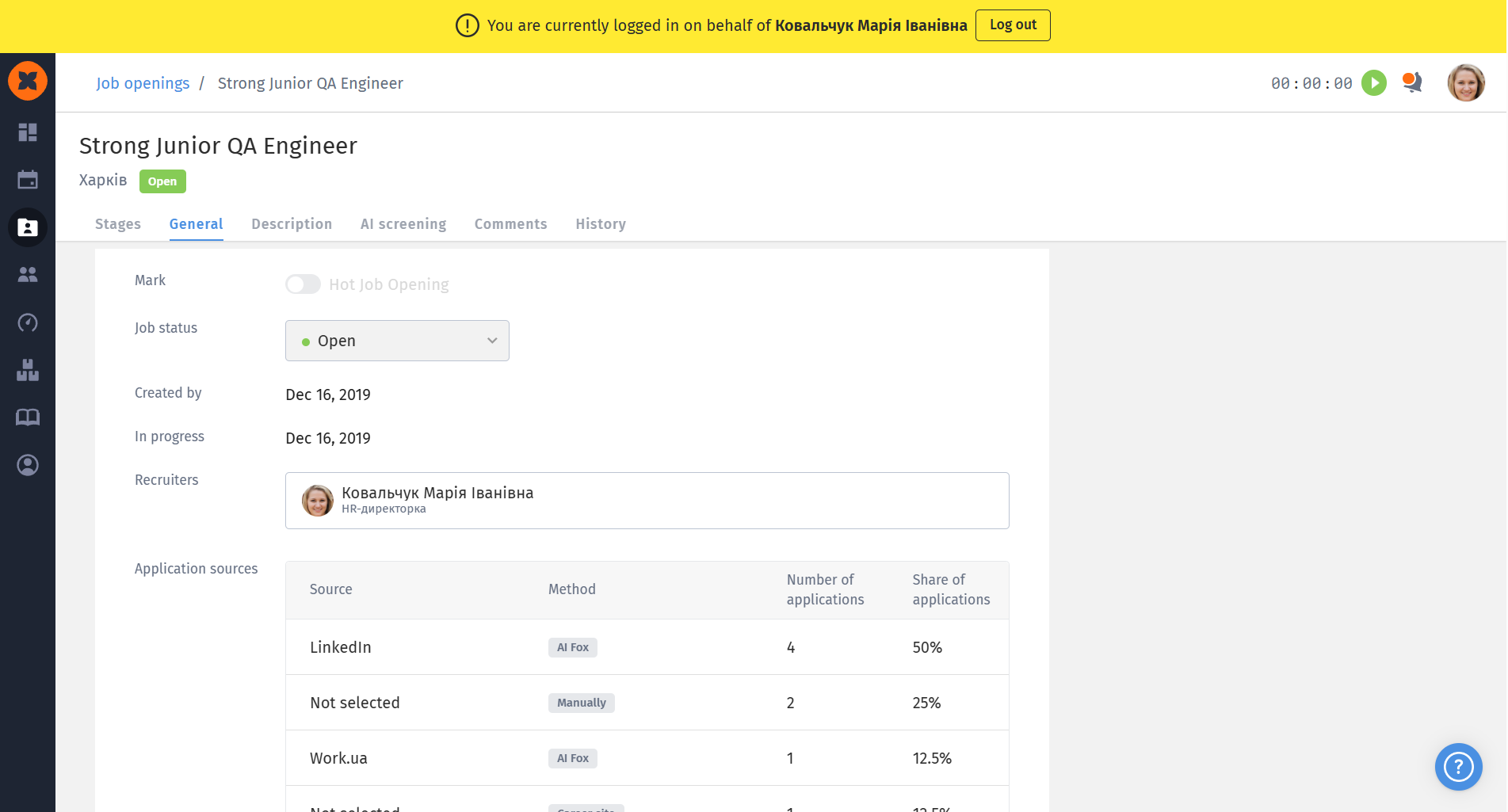
access to general information about the vacancy (creation date, responsible recruiters, application sources, etc.);
access to the vacancy description (the “Description” tab);
comments on the vacancy. The manager can also leave a comment, and the responsible recruiters will receive a notification (in the system and in the bot, if it has been connected);
access to the vacancy activity history;
open the candidate profile and view/leave general comments (if access to them was granted for the vacancy);
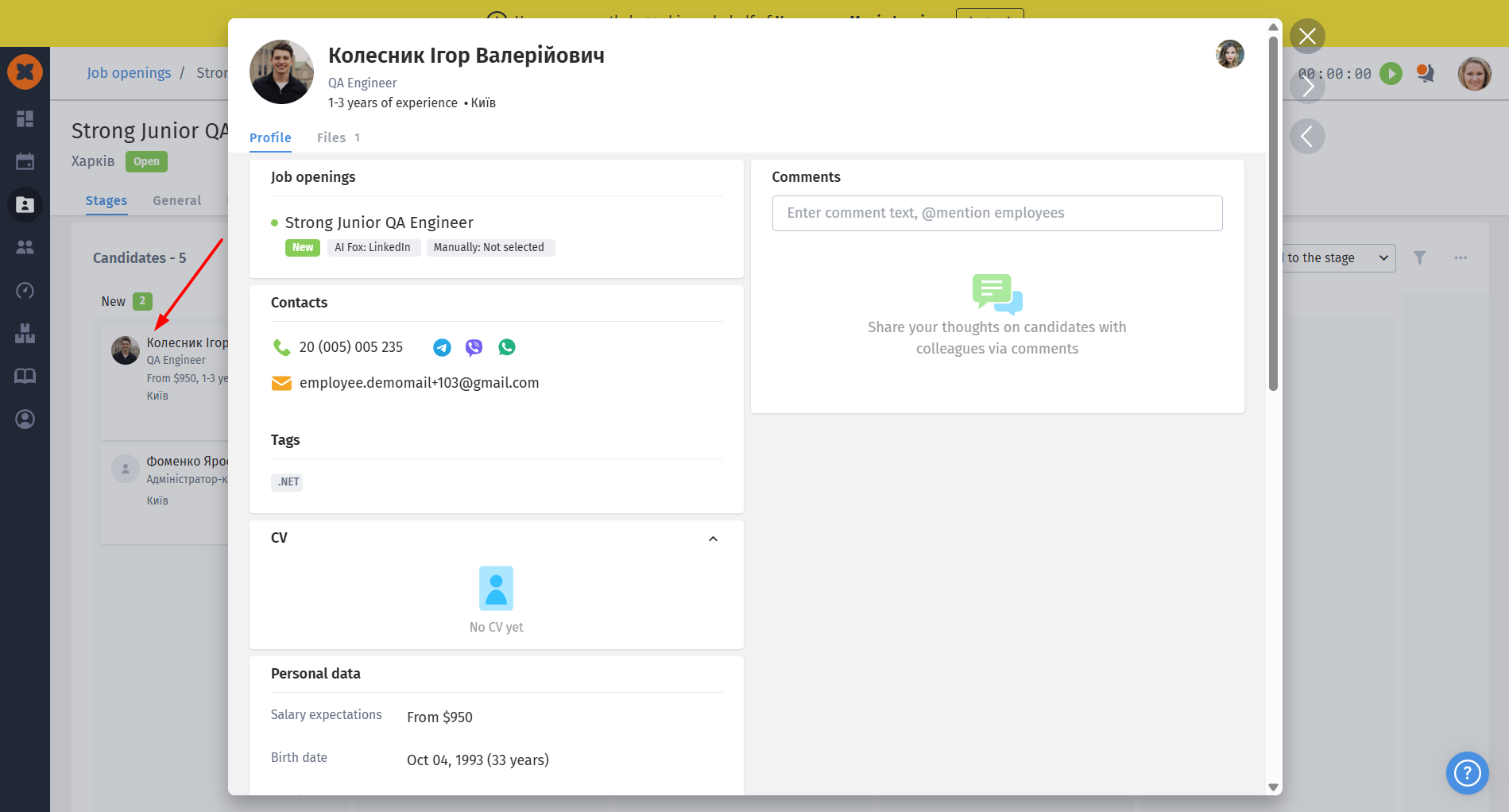
access to general information about the candidate (contact details, experience and place of work, education, résumé file, etc.);
ability to leave comments on the application (if access to them was granted for the vacancy);
view files in the "Files" tab (if access to it was granted for the vacancy);
view the history of actions related to the candidate and comments on them (if the relevant access was granted).