The HURMA system provides the option to enable Email-based Two-Factor Authentication (2FA). Email 2FA serves as an additional security layer. To log into your account, you must enter a one-time verification code sent to your email in addition to your password. This significantly reduces the risk of unauthorized access.

Once the primary password is entered, the system initiates a verification process:
Code delivery: a one-time verification code is automatically sent to the user's corporate email address.
Verification methods:
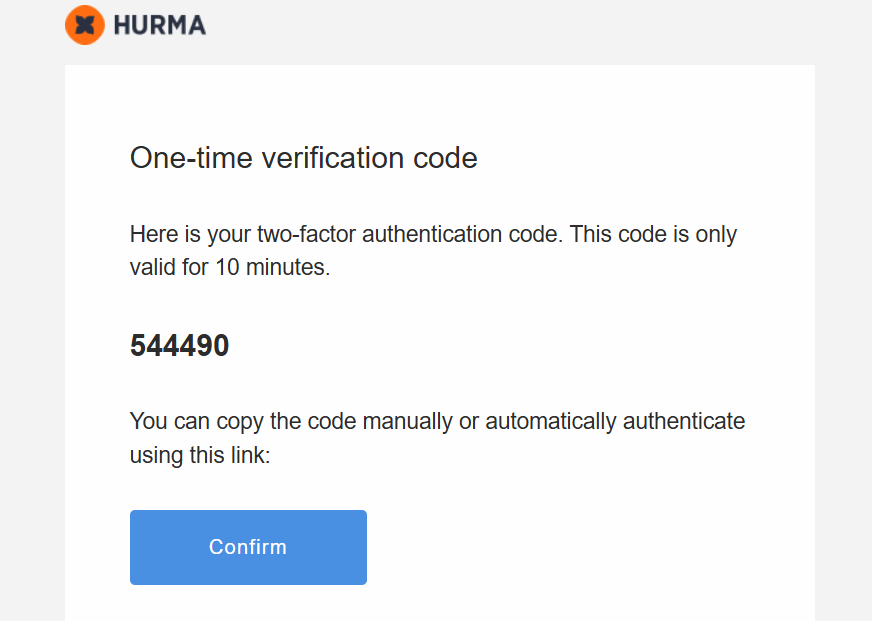
Manual: you can copy the code from the email and enter it into the corresponding field in the system.
Automatic: the email contains a "Confirm" button. Clicking this button will automatically authorize you in the system without the need to enter the code manually.
To protect against brute-force attacks and spam requests, the following limits are in place:
Rate limiting: the system limits the number of code requests per minute (specifically for "resend code" actions).
Session duration: the code has a limited expiration time determined by internal security settings.
Password policy: the system supports mandatory password changes after the first login, as well as setting a maximum password age (the number of days a password remains valid before a change is required).

