The “Library of competencies” allows you to create, edit, and group competencies for further use in 360 evaluation cycles.
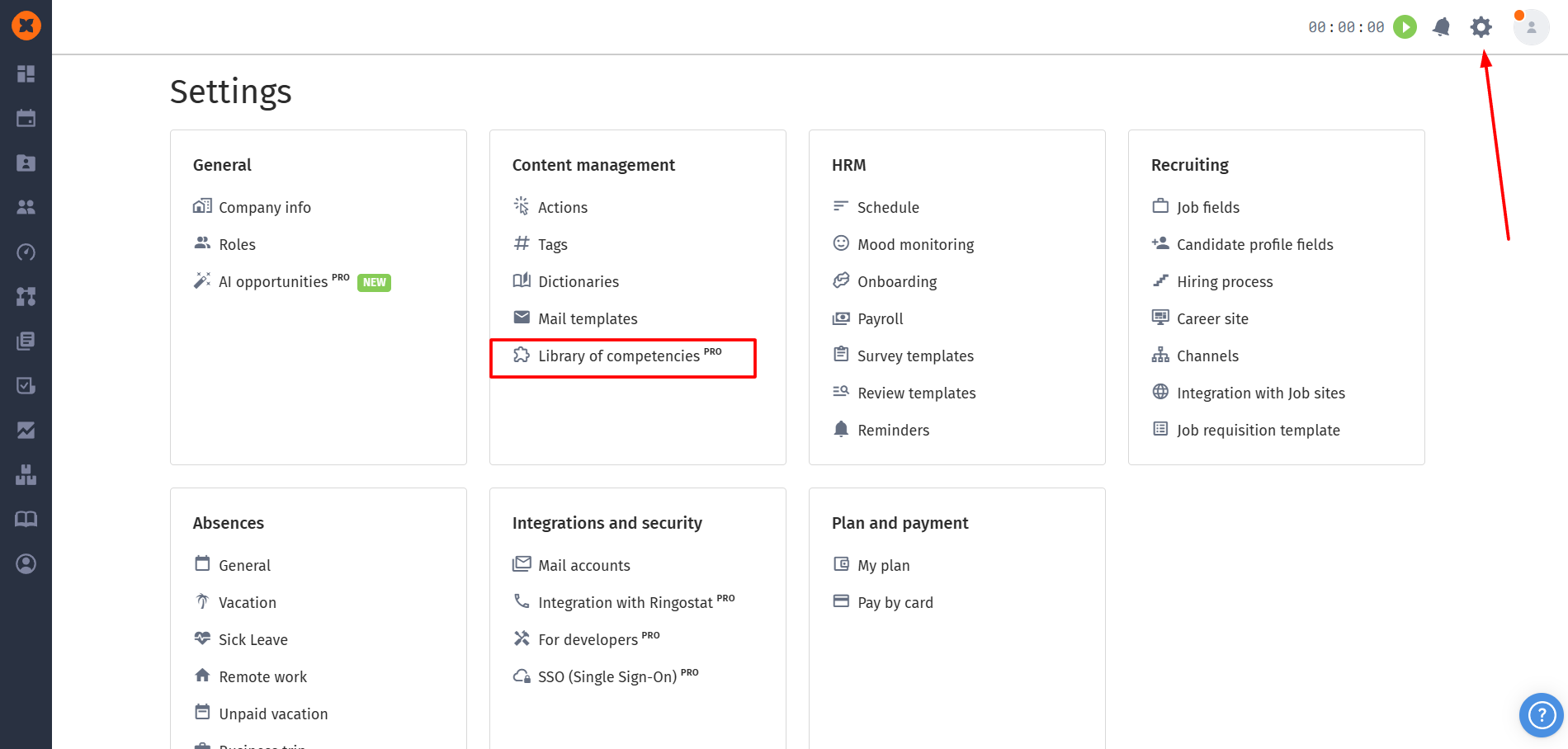
You can find this section by navigating to “⚙” - “Library of competencies”.

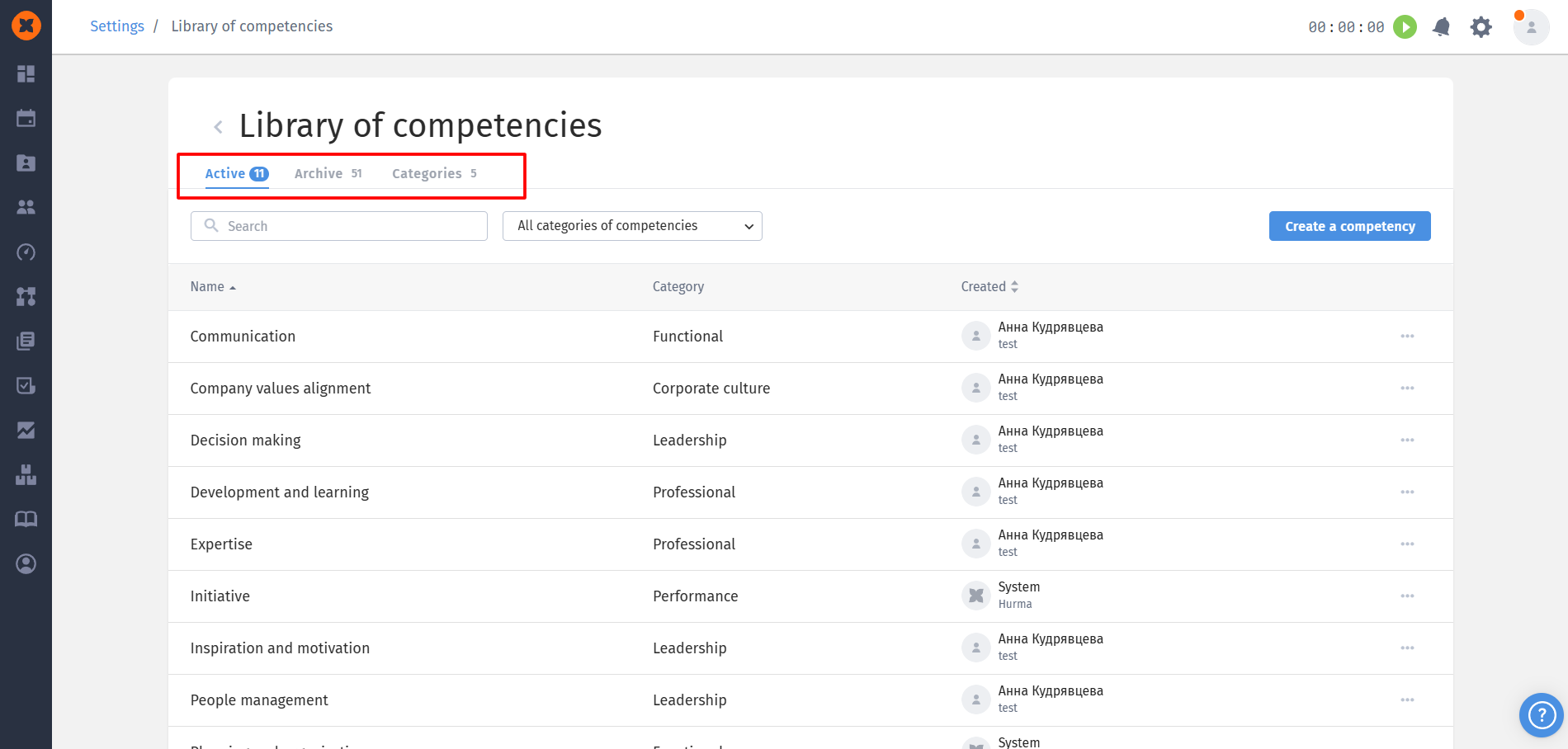
The “Library of competencies” consists of three tabs: “Active”, “Archive”, and “Categories”.
Categories are used for convenient grouping of competencies.
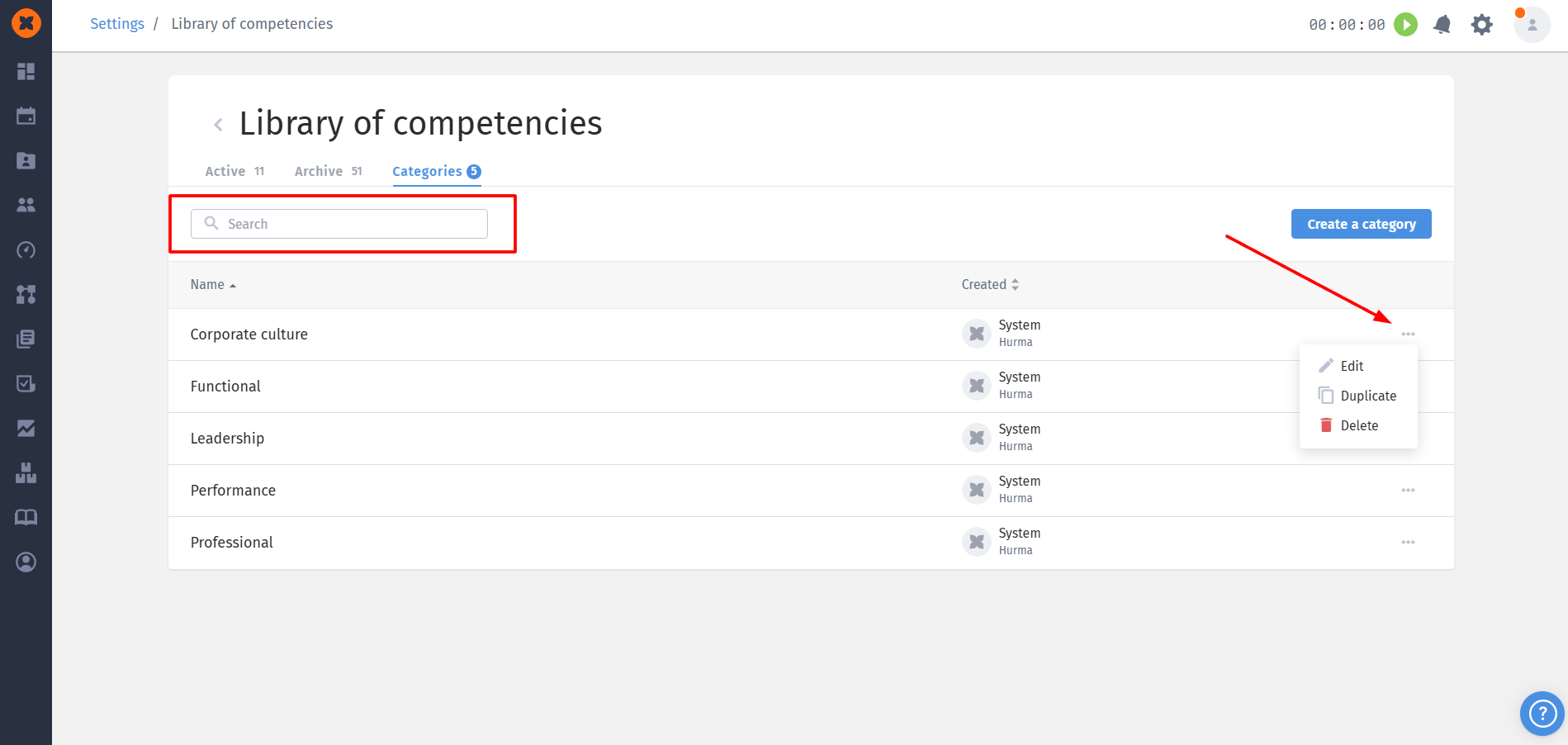
Default categories: by default, the system includes 5 basic categories (the system is set as the author);
Custom categories: users can create their own categories (name limit - 255 characters).
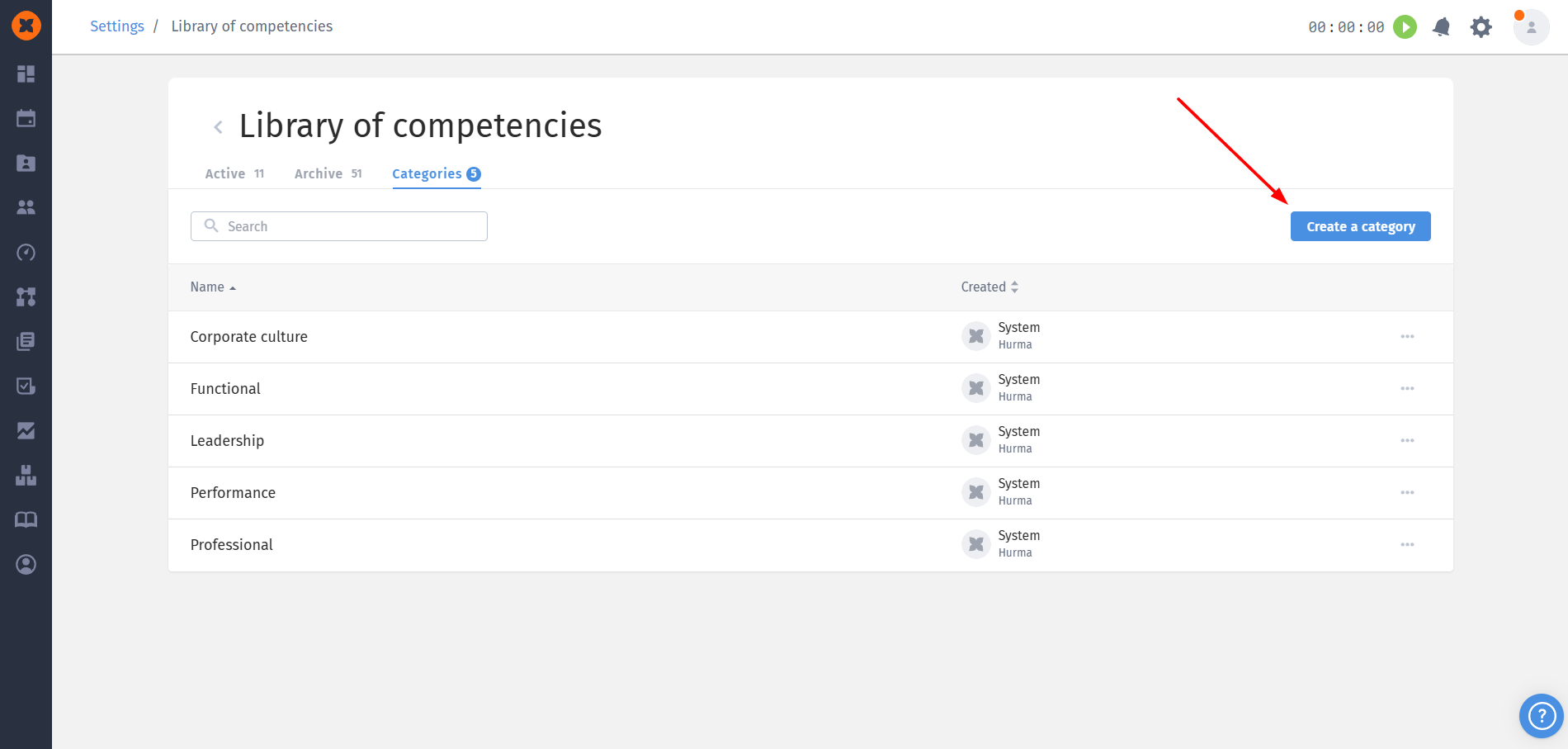
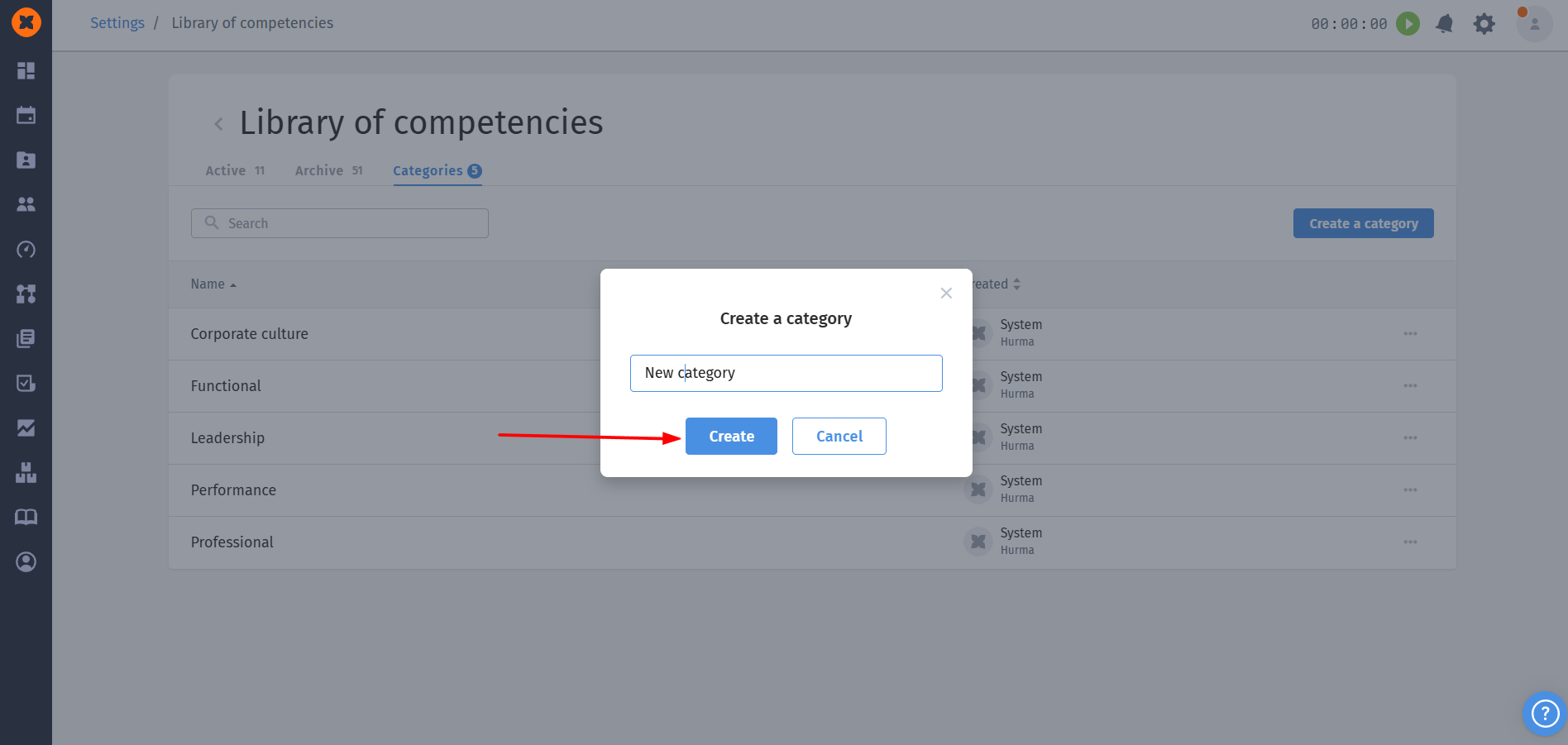
Actions: categories can be edited, duplicated (a "copy" suffix is added), and deleted. Search also works on this page.
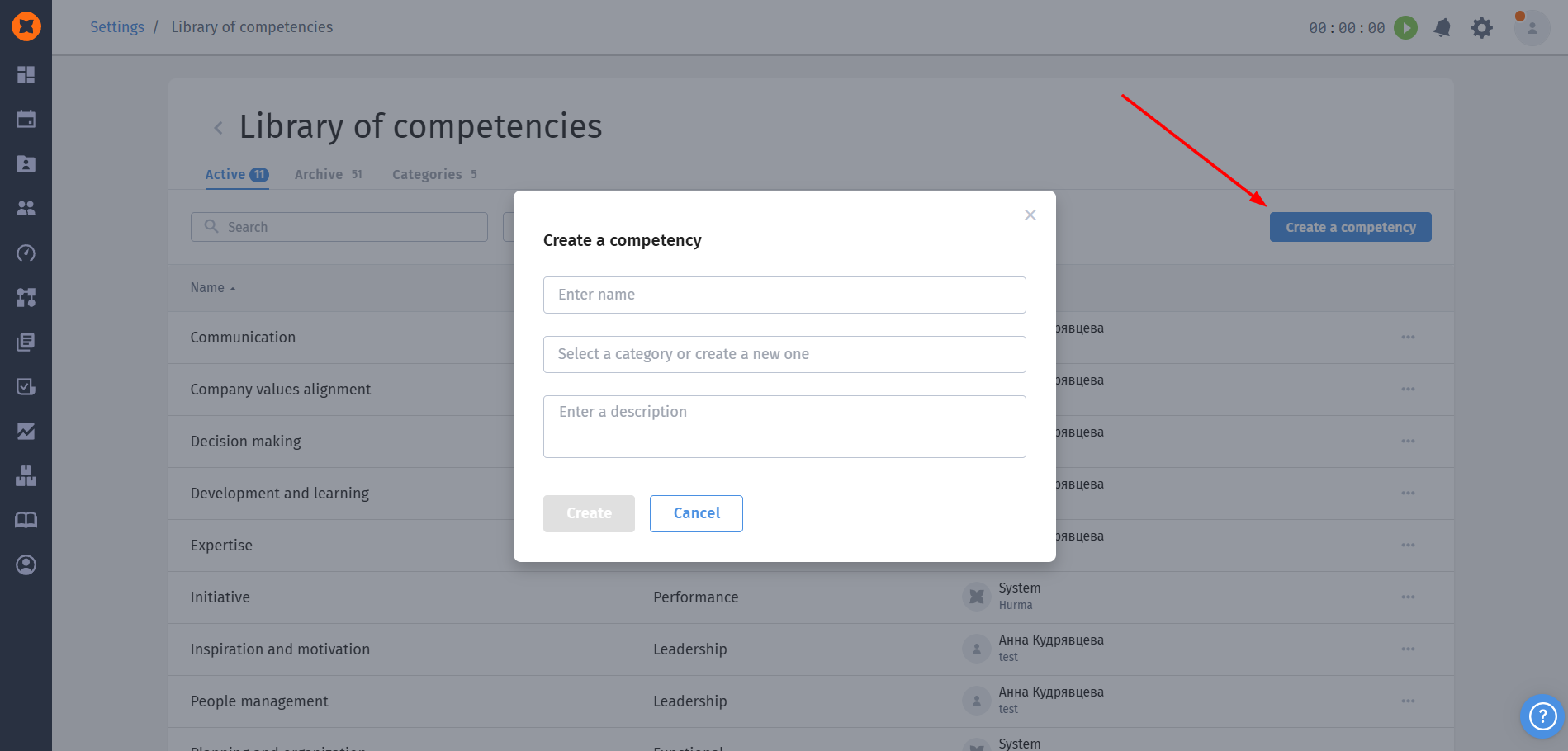
This is where competencies are located that can be used and linked to questions in assessment cycles.
Creating a competency: the required field is "Name" (up to 255 characters). You can also optionally select a "Category" (or create a new one directly in the window) and add a "Description" (up to 500 characters).
Management: any active competency can be edited, duplicated, or moved to archive.
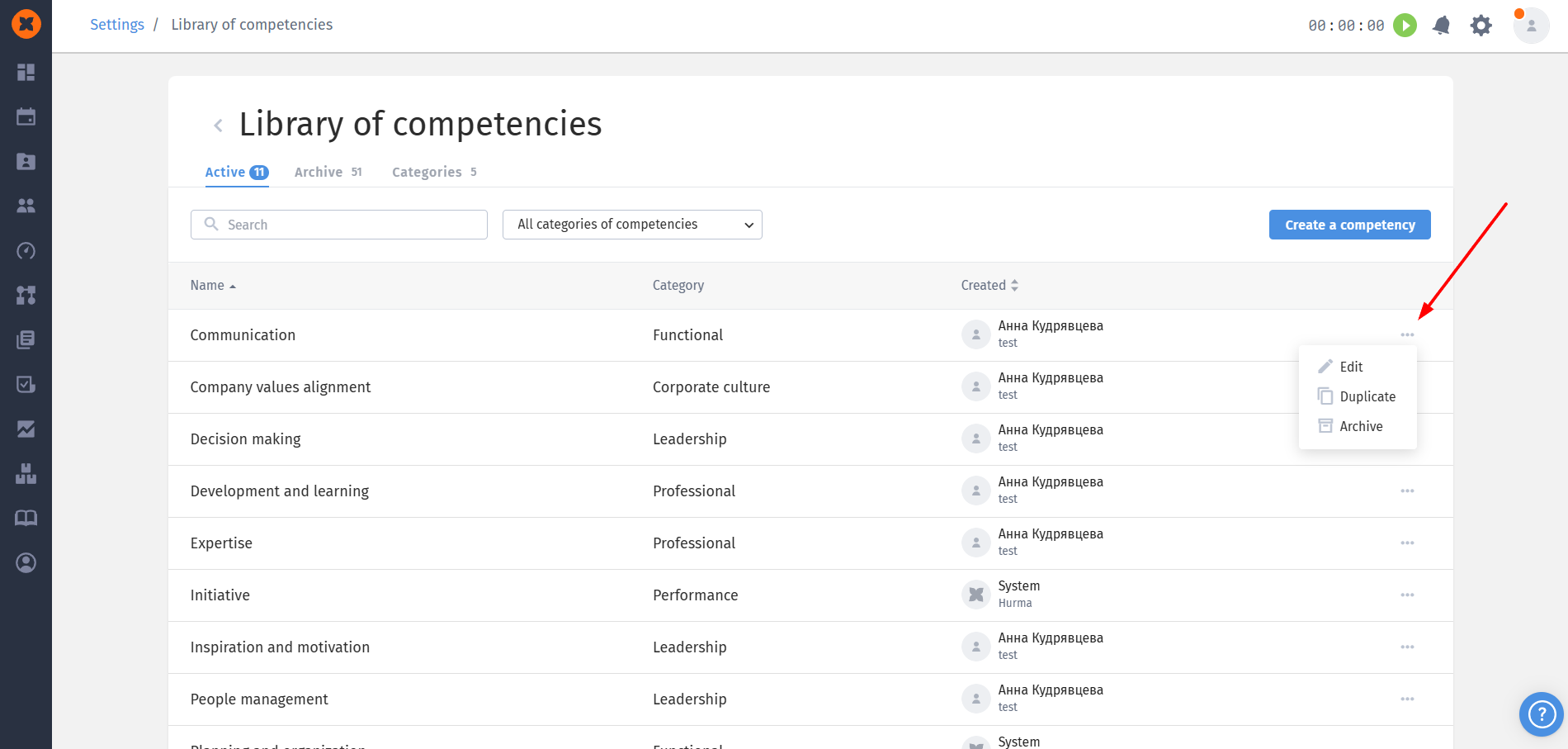
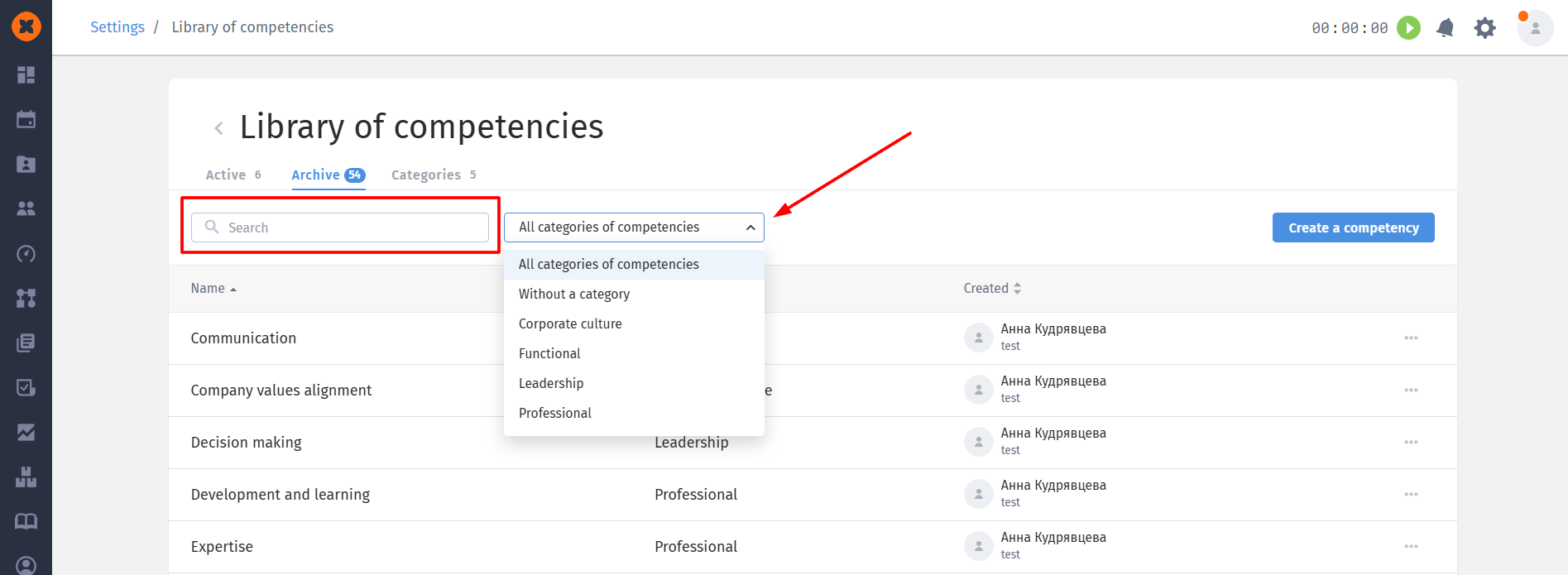
Filtering: search by name and filter by categories are available.
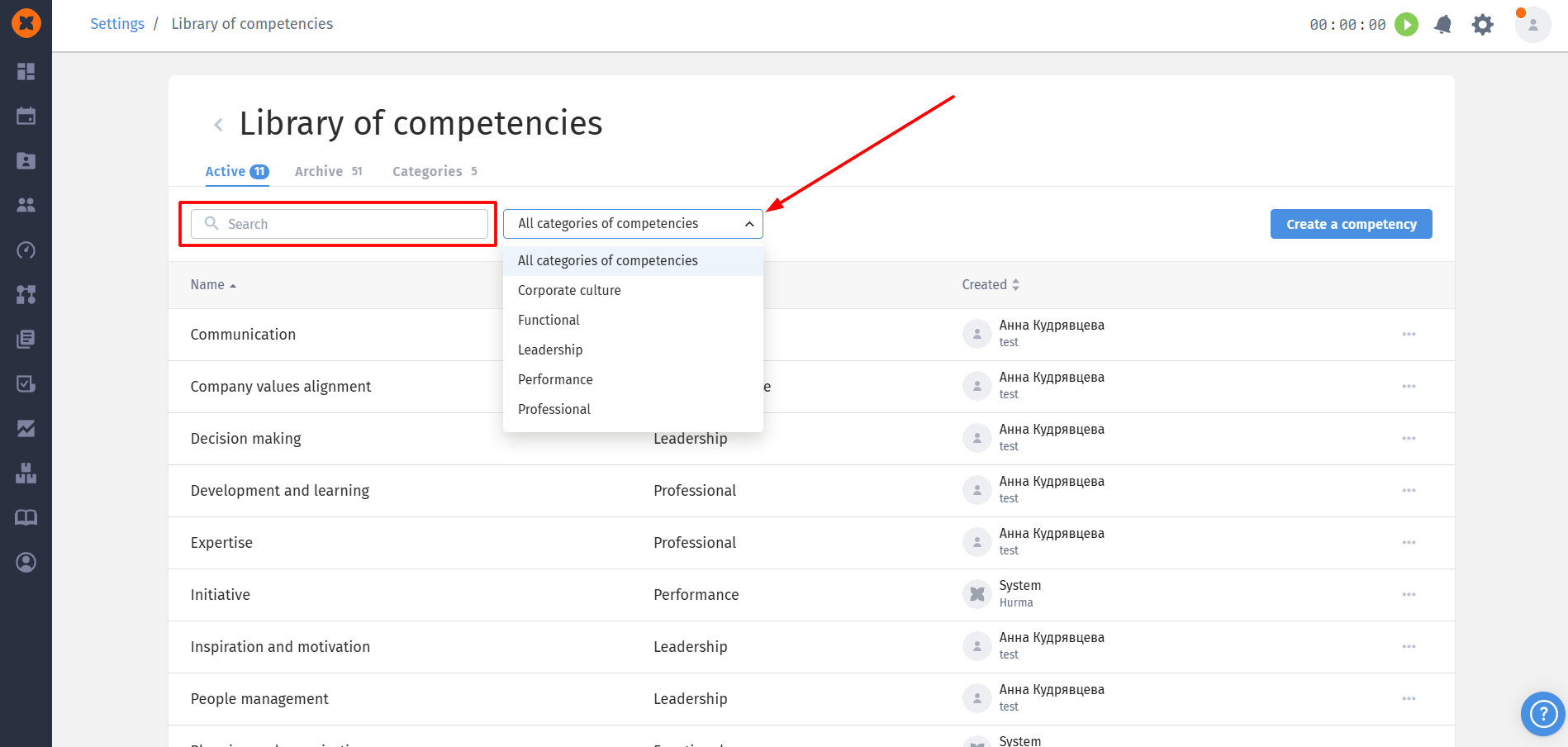
The archive contains default system competencies as well as those archived by users.
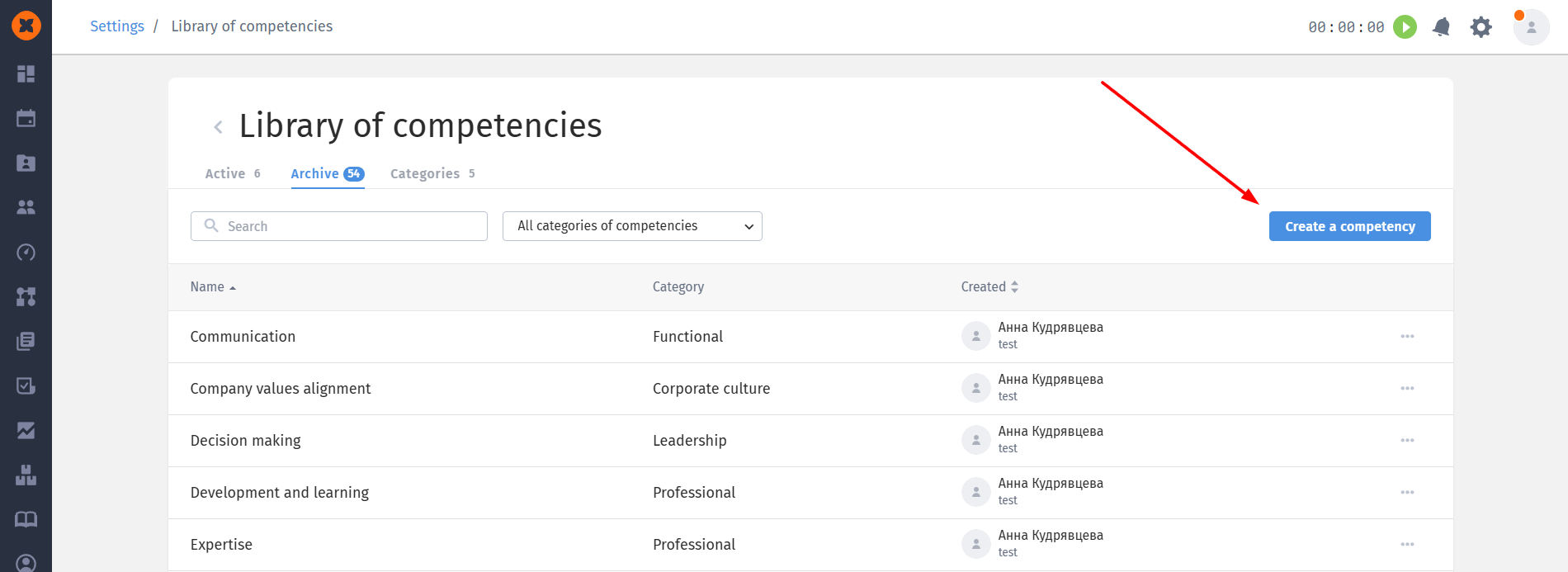
Creating a competency: in this section you can create an active competency, the required field is "Name" (up to 255 characters). Additionally, you can select a "Category" (or create a new one directly in the window) and add a "Description" (up to 500 characters).
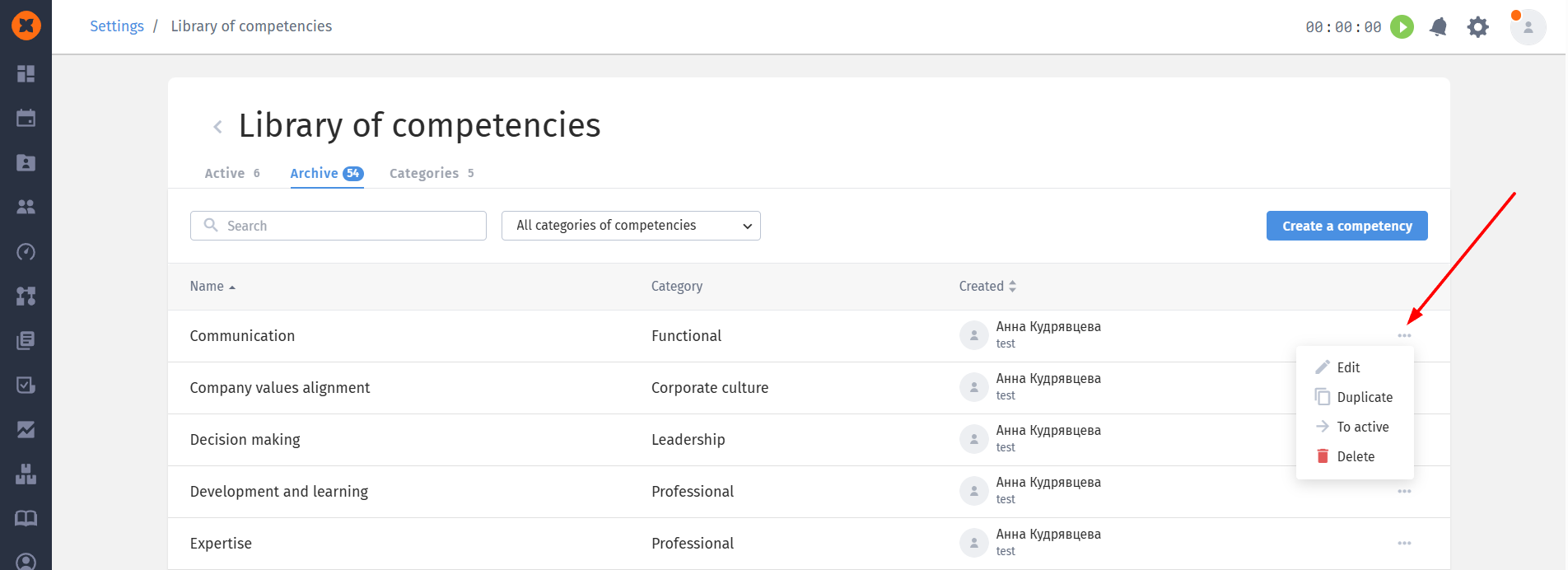
Management: any archived competency can be edited, duplicated, moved to active, and deleted.
Filtering: there is a search by name and a filter by categories.